


Vollansicht
Ähnliche Gegenstände
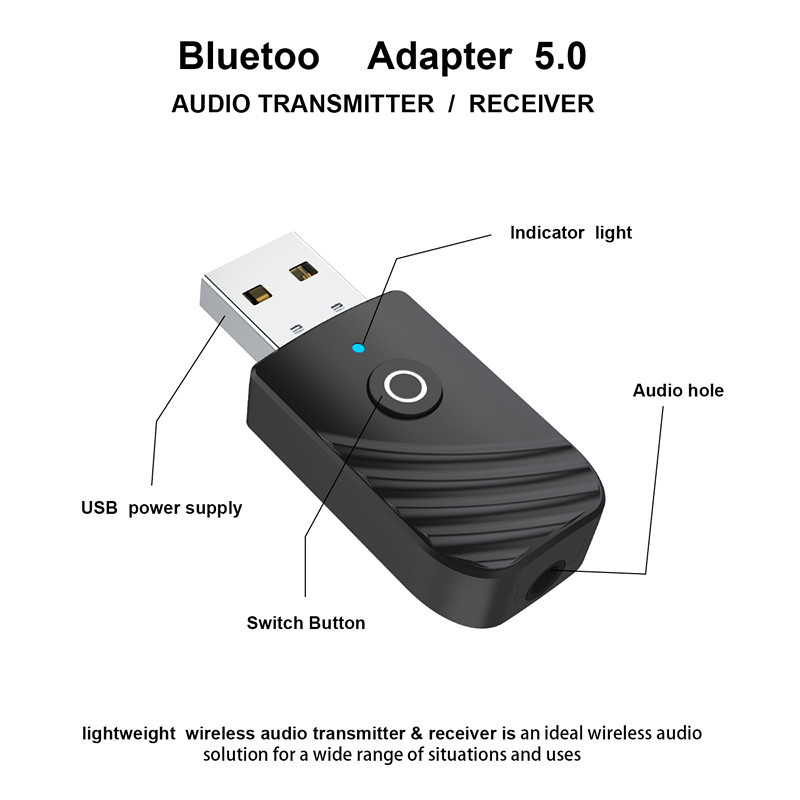
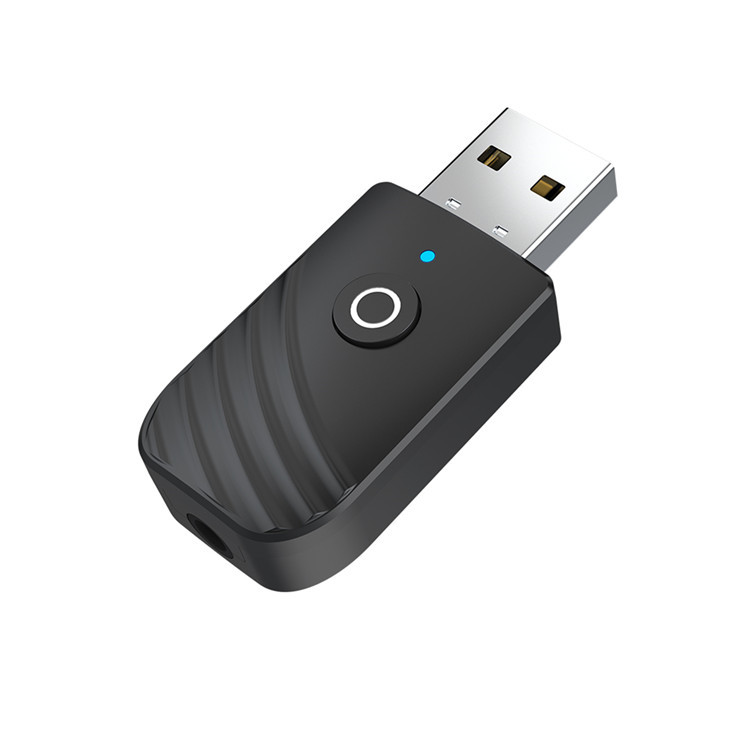
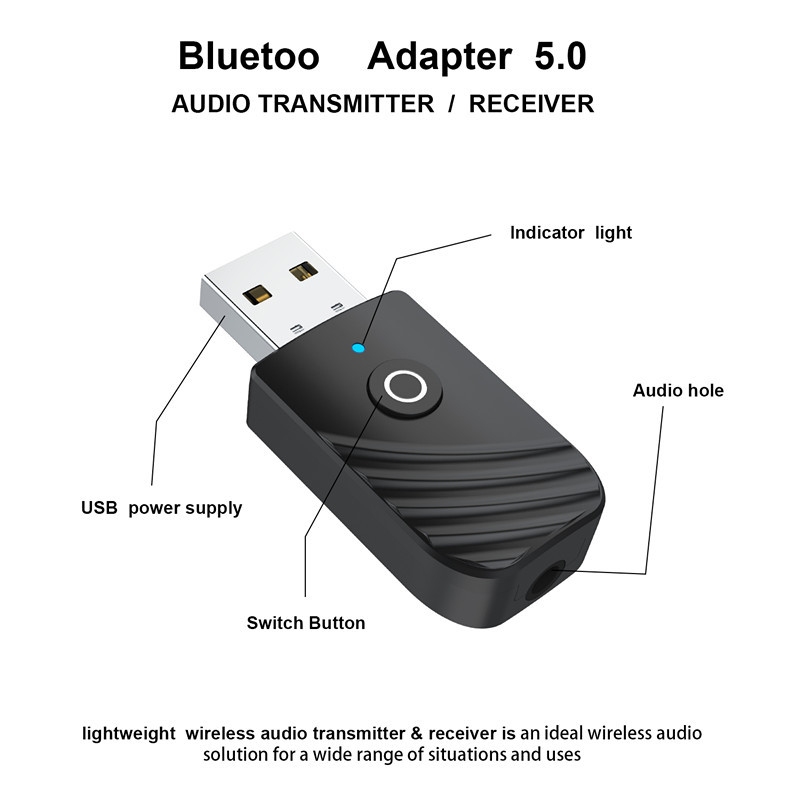
2-in-1-USB-Bluetooth-5.0-Adapter mit Empfänger und Sender, geeignet für Fernseher, Computer und Autos
CHF17.67CHF25.60
Standard : Standard
Menge :
 Customer Service
Bericht
Urheberrechtsverletzungen einschließenKostenlos Standardversand. Siehe Einzelheiten
Geschätzt zwischen Wed, May 6 und Sun, May 10
Sie können das Produkt innerhalb von 30 Tagen nach Erhalt zurückgeben. Siehe Einzelheiten
Sorgenfrei einkaufen

Geld-Zurück-Garantie
Erhalten Sie den bestellten Artikel oder Ihr Geld zurück. Mehr erfahren
Über diesen Artikel
Quelle: technology
Der Verkäufer übernimmt die volle Verantwortung für dieses Angebot.Artikelnummer: 35792806
Artikelspezifikationen
Steckertyp
Eu-Stecker, US-Stecker, Au-Stecker
Batterieeigenschaften
Keine Batterie enthalten
Artikelbeschreibung vom Verkäufer
This product does not include tax. If you need an invoice, tax will be added. Please contact customer service for details.
Product Specifications:
Model: SY319
Bluetooth version: 5.0+EDR
Operating range: Maximum 10m /33 feet without obstacles
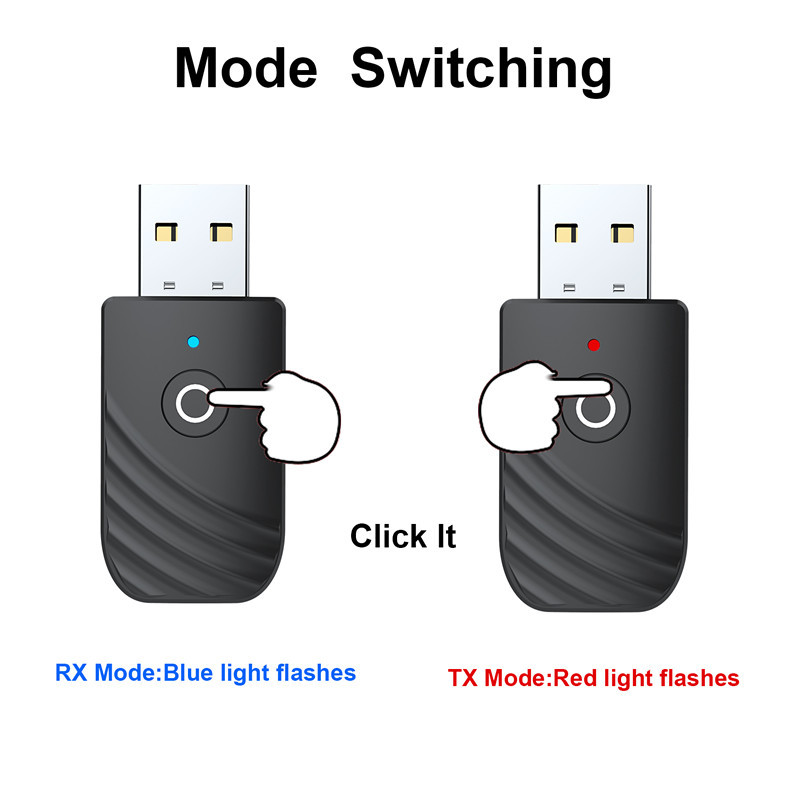
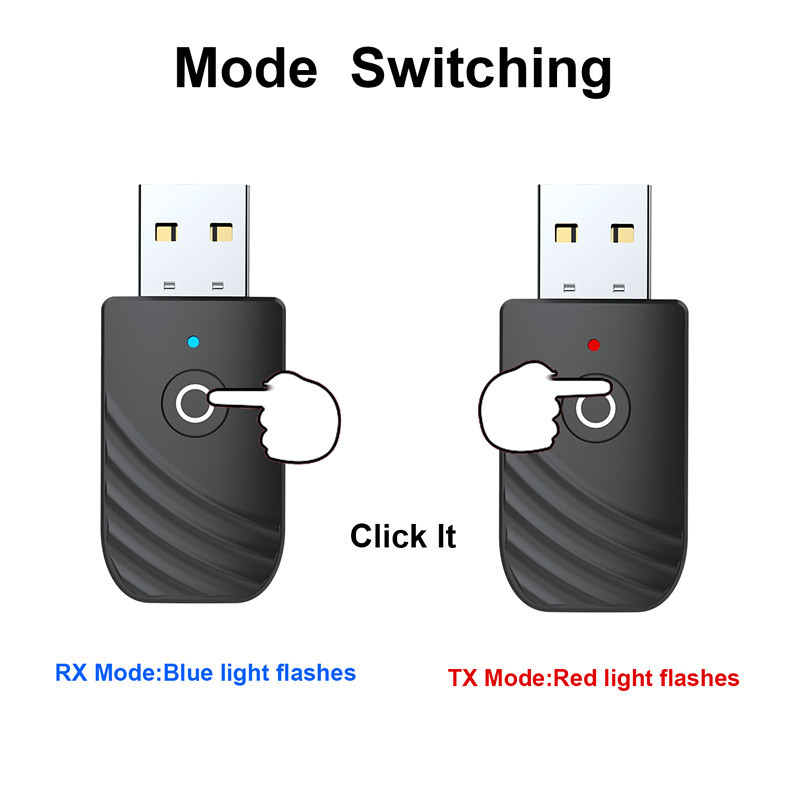
Transmitter mode: Red LED light is on
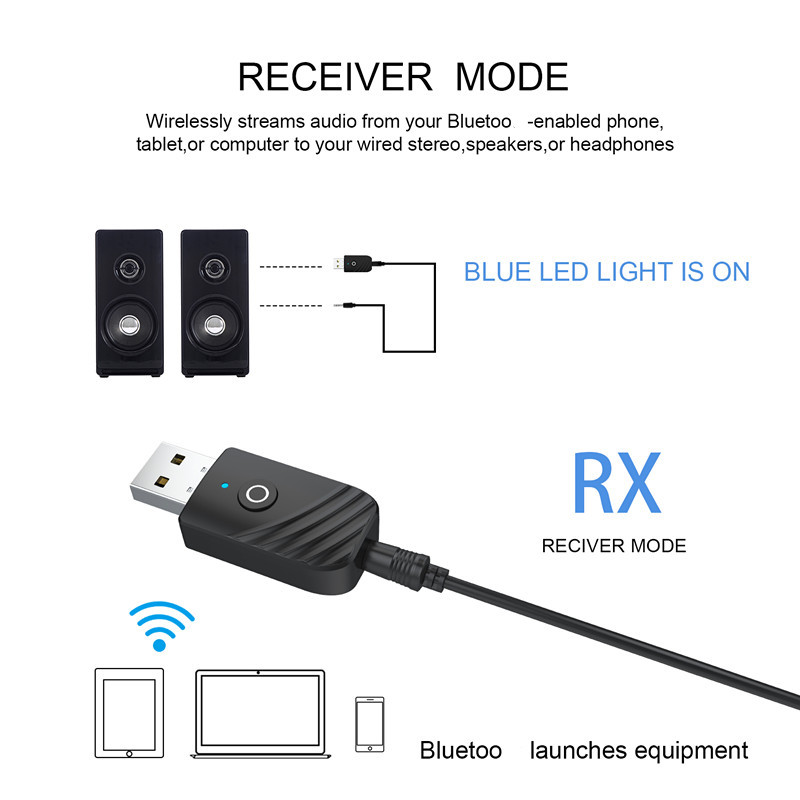
Receiver mode: Blue LED light is on
Mode Switching: Click the button
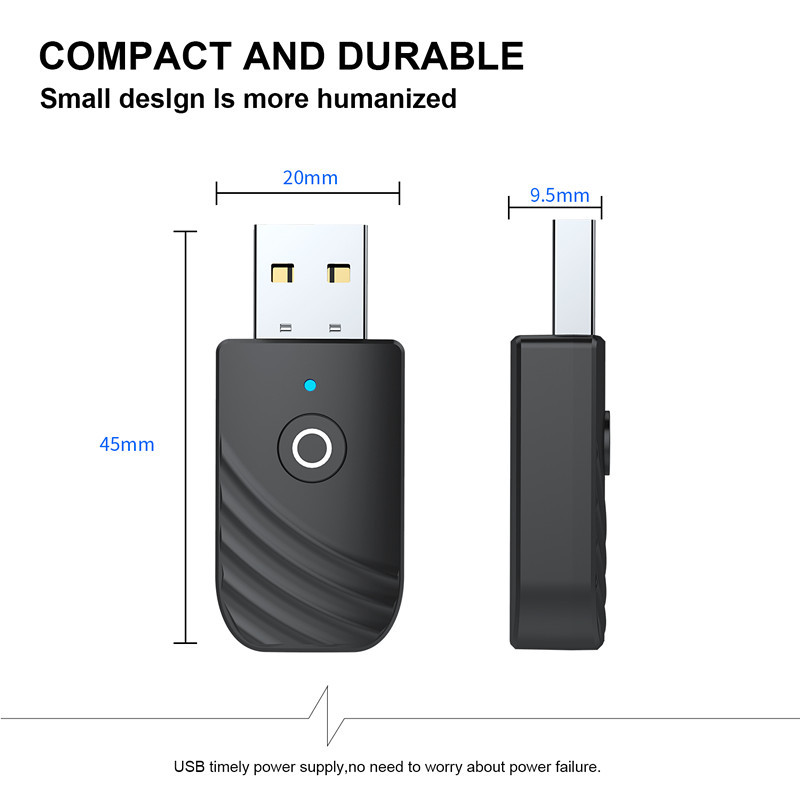
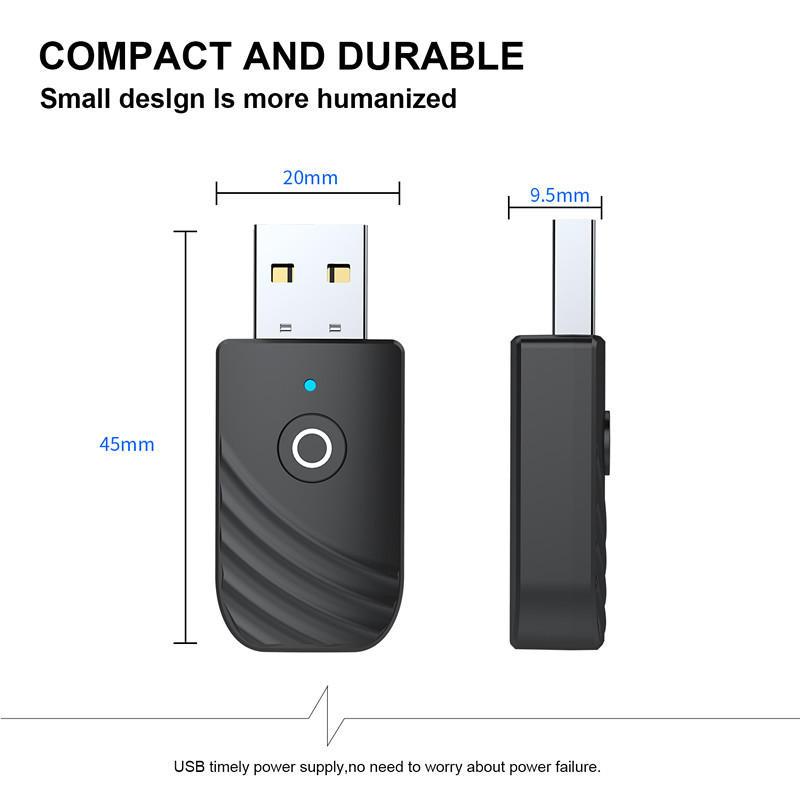
Product dimensions: 45*20*9.5mm
Product net weight: 5g
Product gross weight: 15g
Packaging accessories:
1* 5.0 Bluetooth Receiver Transmitter
1* AUX audio cable
1* Chinese and English instruction manual
Pairing steps:
This product is plug-and-play and requires no drivers
A: Transmission mode - red light
1. Plug this device into a USB port for power, switch to transmission mode, and the red light will flash, entering the automatic search mode for Bluetooth devices such as Bluetooth adapters, Bluetooth headphones, Bluetooth speakers, etc
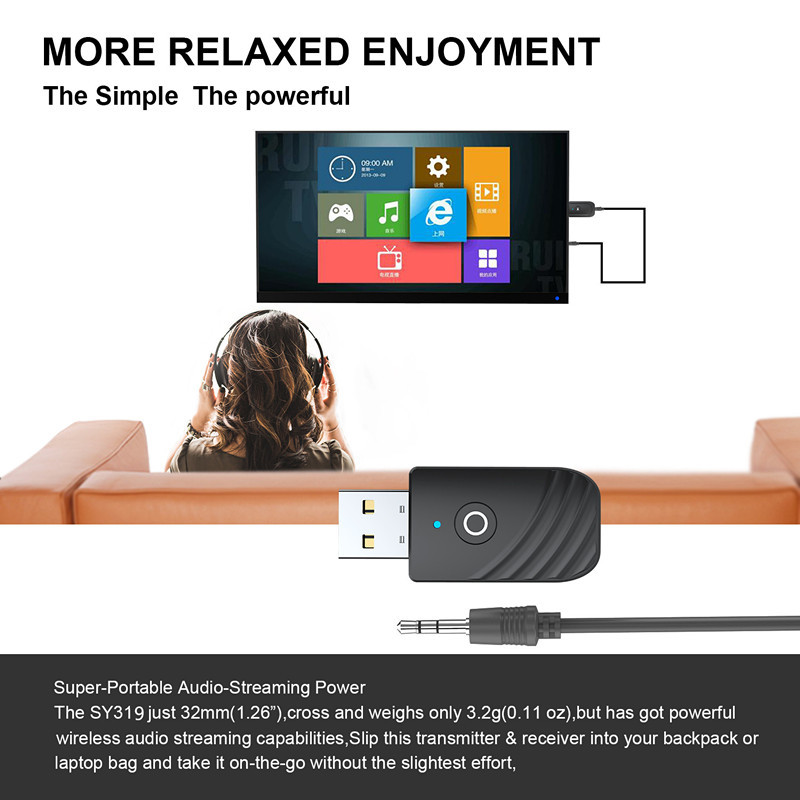
2. Insert one end of the 3.5MM audio cable into the AUX port of the adapter, and the other end into the audio output port of devices such as TVs, projectors, tablets, MP3 players, CD players, or the RCA audio signal output port of the TV
3. Turn on the Bluetooth device and set it to pairing mode. Once pairing is successful, the red light will stay on.
Note:
The computer is plug-and-play, requires no drivers, and does not need to be connected; only audio can be transmitted, but data cannot be transferred.If there is no sound, please set the sound to output from the sound card in the sound settings.
② Different Bluetooth devices, such as Bluetooth headphones, may have slightly different search and connection times due to differences in the solutions and protocols used, which is normal.
③If pairing fails or the connection is not established for a long time, you can turn off all devices and then restart them to pair again.
B: Receiving mode - blue light
1. Plug this device into a USB port for power, switch to receiving mode, and the blue light will flash, entering the wireless receiving state. When powering from a computer, first plug the cable into the product, then plug the product into the computer
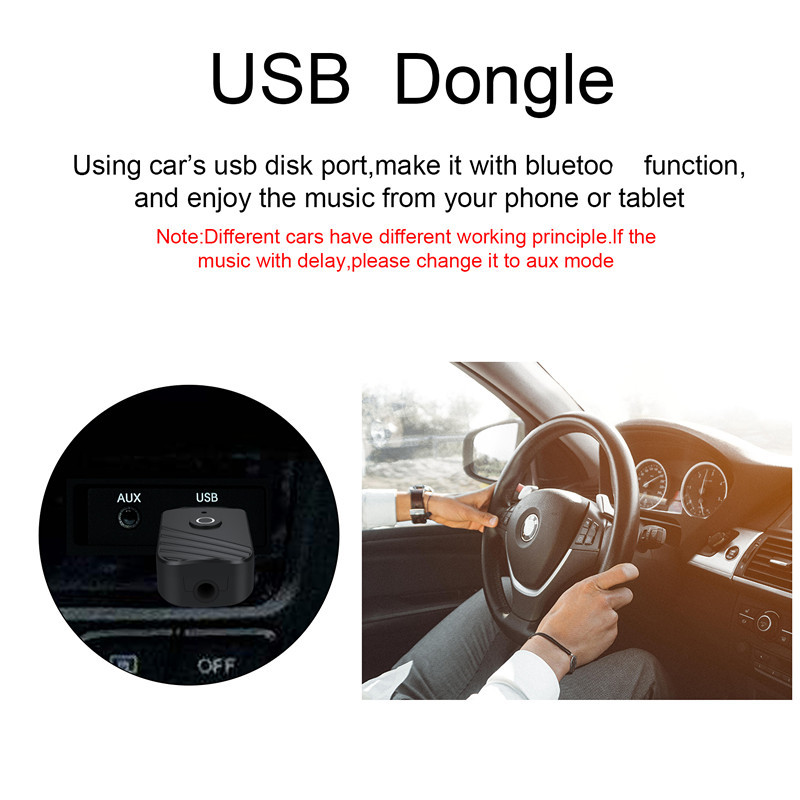
2. Insert one end of the 3.5MM audio cable into the AUX interface of the adapter, and the other end into the audio input interface of a playback device such as headphones, speakers, car, etc., or plug the 3.5 audio cable of another playback device into the audio port of this device.
3. Turn on the Bluetooth function on your phone or tablet, it will automatically search for Bluetooth devices, select "RT-09" from the Bluetooth list and click to pair. Once the pairing is successful, the blue light will stay on.
Note:
You can also directly plug the device into the player's USB port to enable Bluetooth functionality.
② When a successful connection occurs but there is no sound, please delete the successfully paired device, as there may be a Bluetooth device conflict.



Videos
Videos zu diesem Produkt

 4.4 von 5 basierend auf 9,249 bewertungen