

Vollansicht
Ähnliche Gegenstände
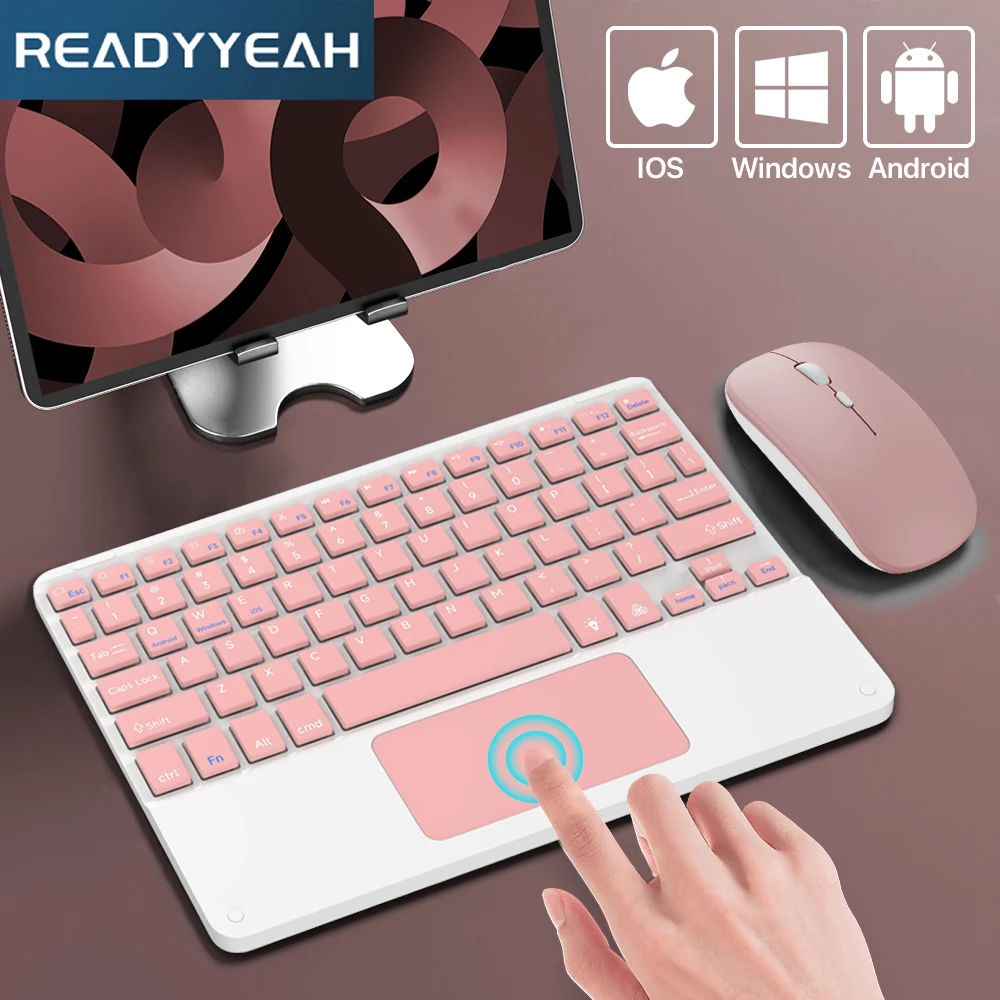
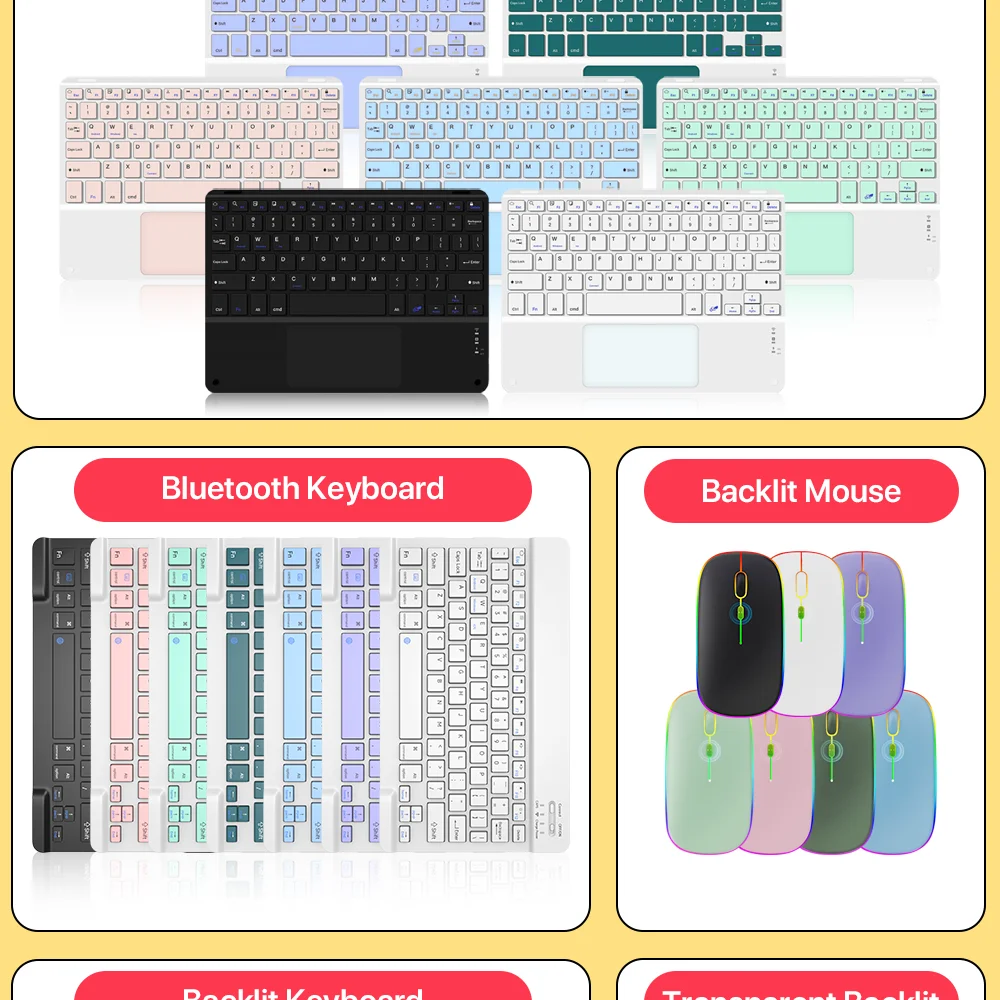
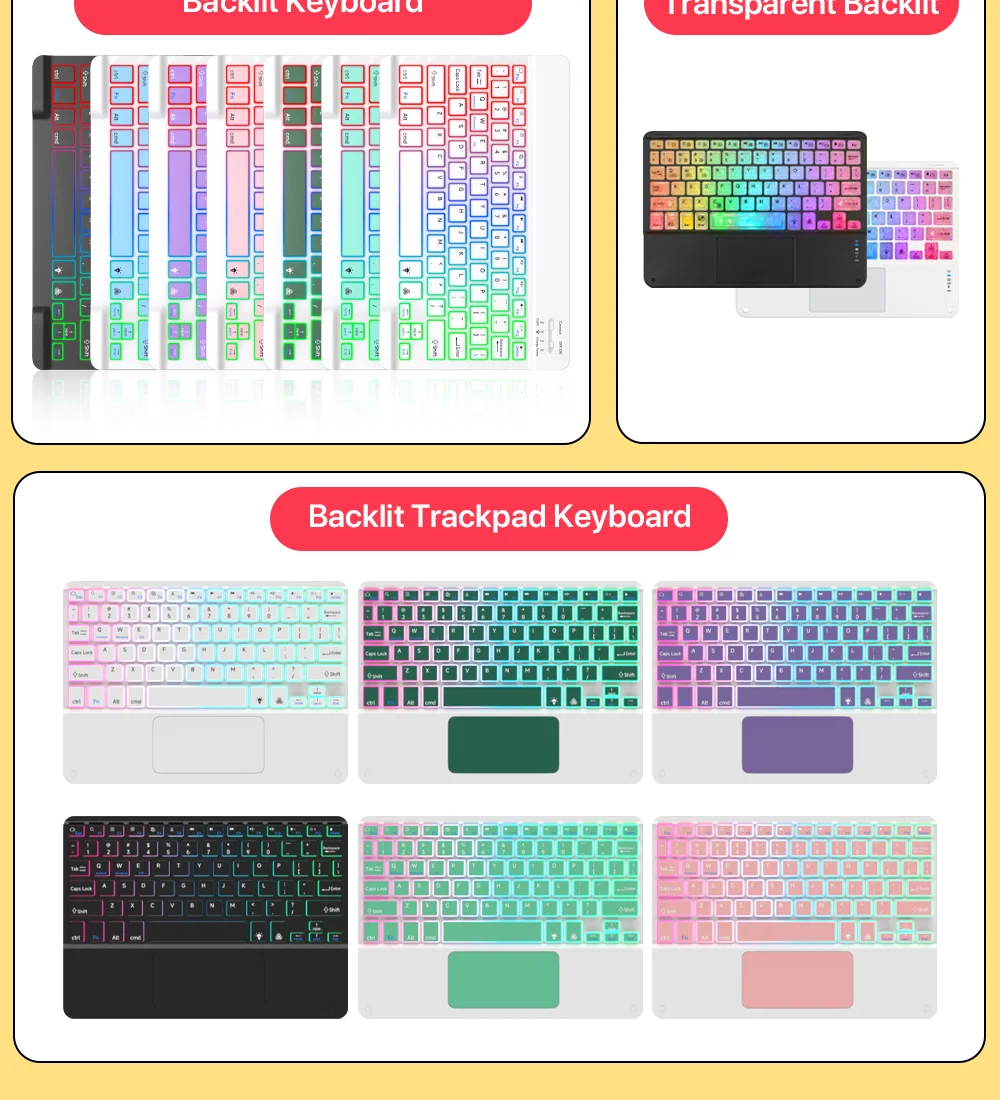
Bluetooth-Tastatur und -Maus mit Touchpad für 10-Zoll-Tablets von Apple, Samsung, Huawei und Xiaomi (z. B. iPad Pro, Mini).
CHF27.07CHF35.06
Farbe : MAUS




Menge :

Bericht
Urheberrechtsverletzungen einschließenKostenlos Standardversand. Siehe Einzelheiten
Geschätzt zwischen Wed, Jul 15 und Sat, Jul 18
Sie können das Produkt innerhalb von 30 Tagen nach Erhalt zurückgeben. Siehe Einzelheiten
Sorgenfrei einkaufen

Geld-Zurück-Garantie
Erhalten Sie den bestellten Artikel oder Ihr Geld zurück. Mehr erfahren
Über diesen Artikel
Quelle: TechNex
Der Verkäufer übernimmt die volle Verantwortung für dieses Angebot.Artikelnummer: 39287461
Artikelspezifikationen
Größe
In voller Größe
Schlüsselart
Mechanische Schalter
Schaltertyp
Linear, taktil, klickend
Kompatibilität
Windows, macOS, Linux
Verbundene Geräte
1
Beleuchtete Tasten
JA
Konnektivität
Bluetooth, Logi Bolt USB
USB-Typ
USB-A
Logi-Optionen
Ja
Artikelbeschreibung vom Verkäufer
Description
Please Read Before Buying
Bluetooth keyboard connection steps
1.After the power switch is turned to the ON position, the power indicator light is on for 3 seconds, the Bluetooth indicator starts to flash, and the keyboard automatically enters pairing mode.
2. Open and unlock your tablet and click on the "Settings" icon. In the settings menu, click on the "Bluetooth" menu.
4.Turn on the Bluetooth switch and the tablet will automatically search for Bluetooth keyboard devices.
5. Discover the Bluetooth keyboard device: Bluetooth Keyboard ***, and click on it, the Bluetooth keyboard will automatically connect.
6. After the Bluetooth connection is successful, the pairing indicator will turn off, and "Connected" will appear in the list of Bluetooth devices.
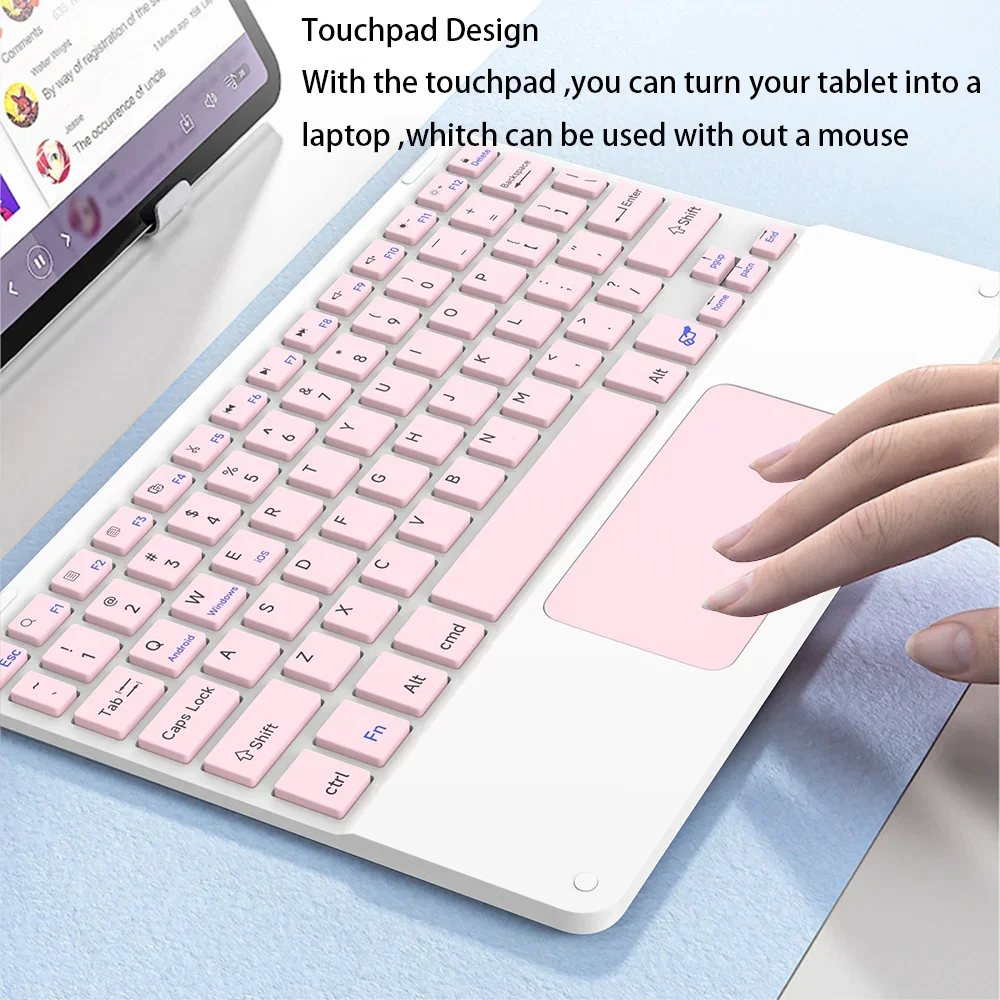
7. iOS13 system touchpad gestures
1) Sliding finger = Moving the cursor
2) Single finger fast double click without loose drag = Left click to select the target drag
3) Two-finger vertical/horizontal movement = Vertical/horizontal scrolling
4)T
Three fingers move up at the same time = Switch recent task window
5) Three fingers sliding left/right at the same time = Active window left/right slide switch
6) Single finger tap = Left mouse button
7) Two-finger tapping = Right mouse button
8) Three-finger tap = Middle mouse button
9) Three fingers move down at the same time = Back to Homepage
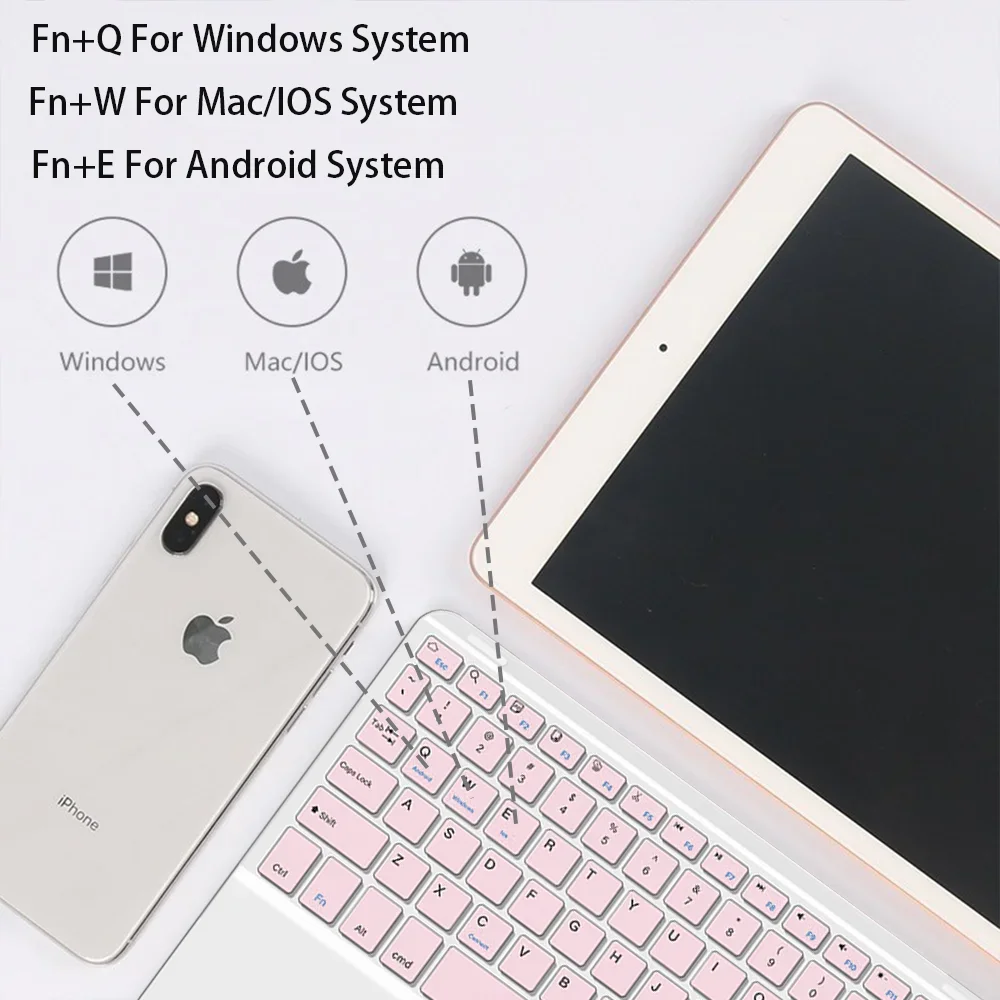
Notice: This keyboard is a 3-system universal keyboard. After confirming its use, press FN+QNN/E to select the appropriate system.
Troubleshooting
1.Make sure the power is turned on.
2.Ensure keyboard operable distance
3.Make sure the battery has power.
4.Ensure the device's Bluetooth was turned on.
5.Ensure the wireless keyboard is connected via Bluetooth6.Ensure the wireless keyboard is successfully paired.
Wide compatibility
Smartphones/laptops/tablets and other devices Windows/Mac/Android/iOS
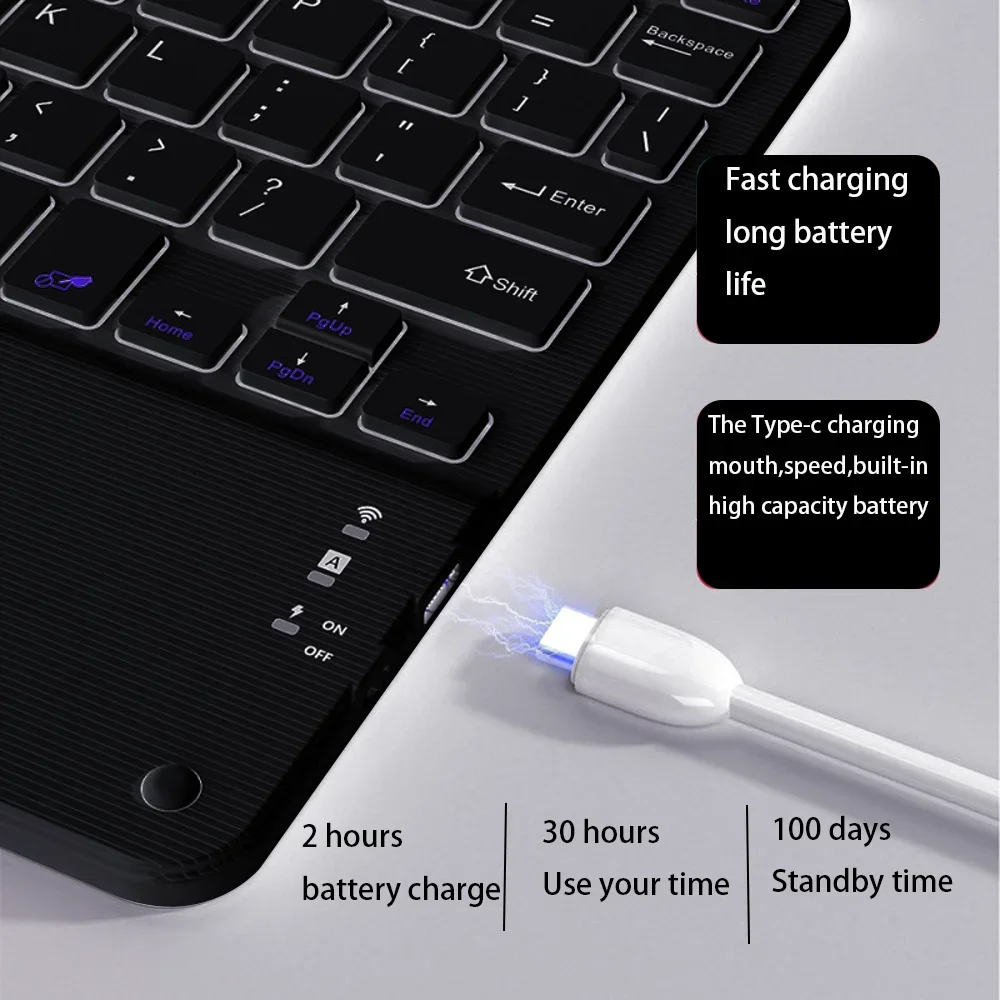
One Hour Charge Used Continuously for 20 Hours
Rechargeable keyboard, built-in battery, battery life up to 20 hours. Standby time is up to 30 days.
ergonomic design
Feel comfortable, no tired hands for a long time.
Amazing Features
Comfortable input experience like a laptop
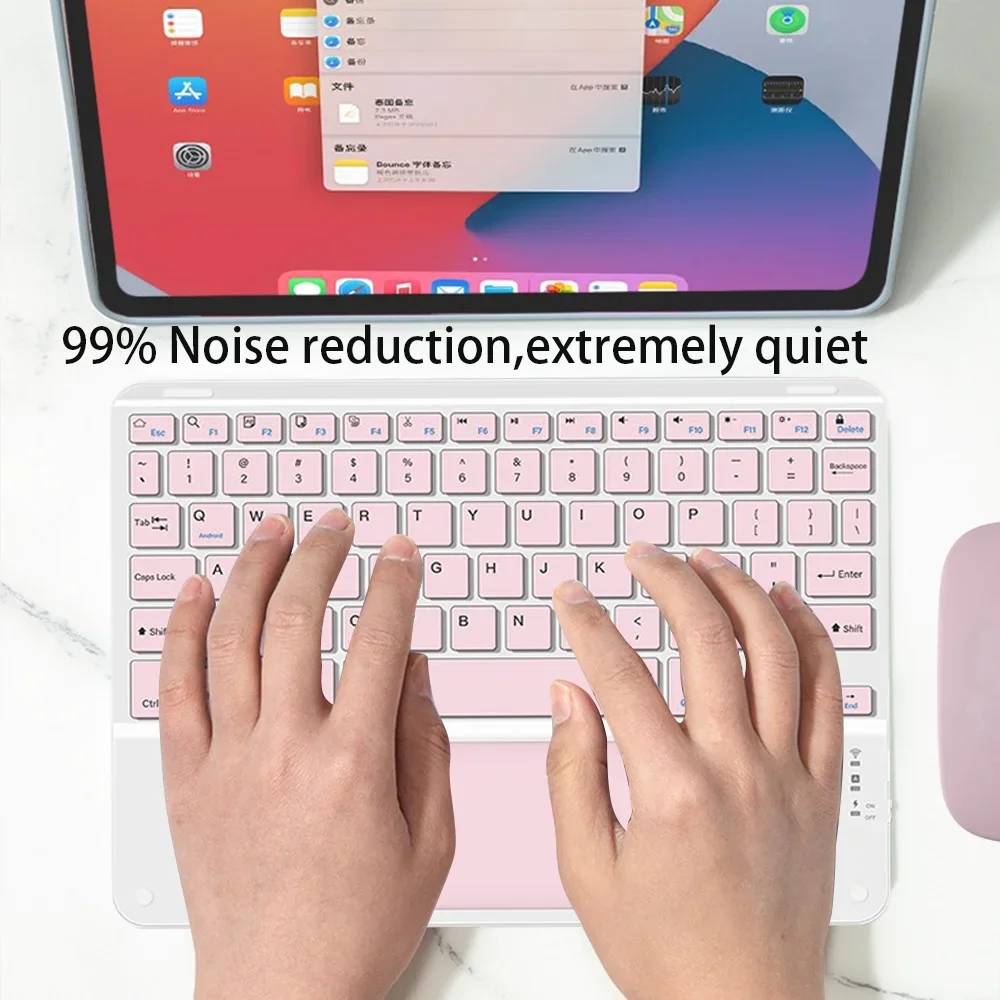
Simple chocolate keycaps, good rebound effect, comfortable typing.
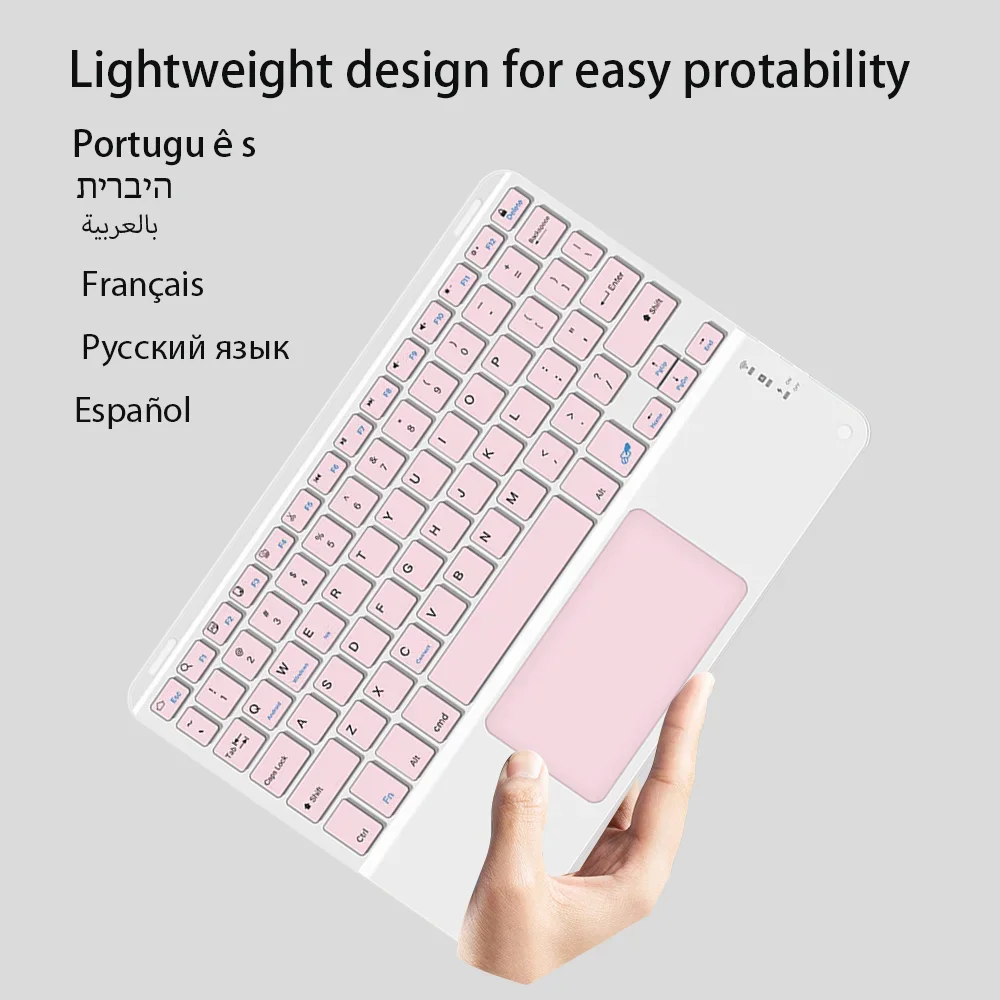
Ultra-thin and easy to carry
Simple and stylish, compact and portable. It can satisfy you at home, when going out, or in a coffee shop to easily handle multitasking.


Videos
Videos zu diesem Produkt
