Vollansicht
Ähnliche Gegenstände
BEAL KB-10 Mechanische Touch 87 Tasten Spiel Laptop Rainbow Glow Tragbare Tastatur
CHF52.27
CHF76.81 -31% AUS

Mchoice Ksh Ultra Kabellose Maus, leicht, für Gaming und Büro, kabelgebunden, 2.0G Bluetooth Tri-Mode-Verbindung, Paw3950, ergonomisch
CHF227.70
CHF294.79 -22% AUS
X Neuankömmlinge Bluetooth G Wireless verdrahtet drei Modus Leichte Gaming RGB Lighting Fünf -Geschwindigkeits -DPI ad Aming RB
CHF35.42
CHF58.06 -38% AUS
K45 Bunte strahlende Computerspiel-Tastatur mit Hintergrundbeleuchtung, hängende Tastenkappe aus Metall, mechanische Touch-Funktion
CHF43.49
CHF54.95 -20% AUS
Vertikale Maus, ergonomische 2,4-GHz-Wireless-optische Mäuse, 3 einstellbare DPI 800/1200/1600, 6 Tasten für Laptop-PC-Computer
CHF16.25
CHF20.83 -21% AUS
JOMAA 2,4-GHz-Kombinationsset: Wiederaufladbare, ergonomische, kabellose RGB-Tastatur und Maus in voller Größe mit USB-C-Anschluss
CHF54.11
CHF65.12 -16% AUS
Bluetooth Vertikale Drahtlose Maus Für Tablet Laptop Notebook Wiederaufladbare USB Drahtlose Maus Ergonomie Rechte Hand
CHF40.18
CHF61.99 -35% AUS
K61RGB RGB-Beleuchtung, mechanische Touch-Spiel-Notebook-Farbblock-individuelle Tastatur
CHF87.33
CHF123.34 -29% AUS
IMICE Direct USB Wireless Game Wasserdichte Tastatur und Maus Set Laptop Desktop Business Office
CHF67.02
CHF93.22 -28% AUS
Multifunktionale Dual-Mode-Tastatur mit kreativem, speziellem Tastenkappendesign – universell einsetzbar für Büroarbeit und E-Sport-Gaming
CHF81.80
CHF117.60 -30% AUS
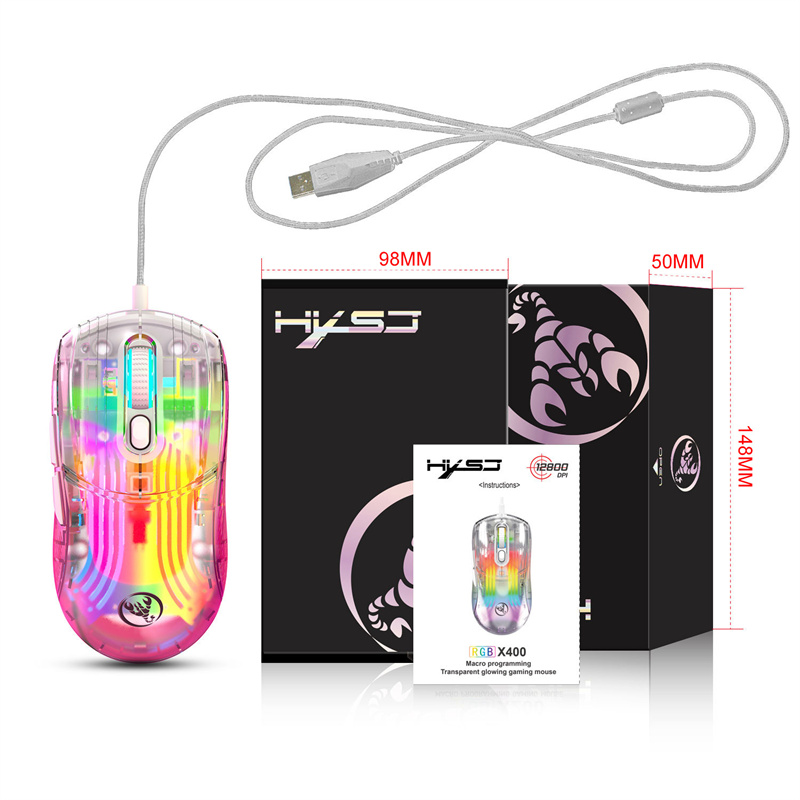
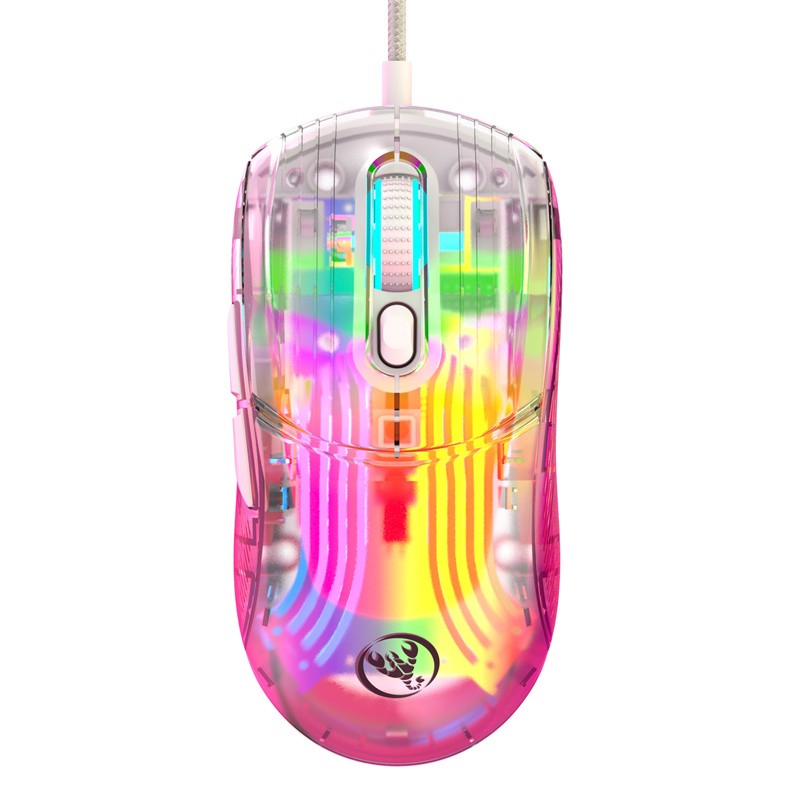
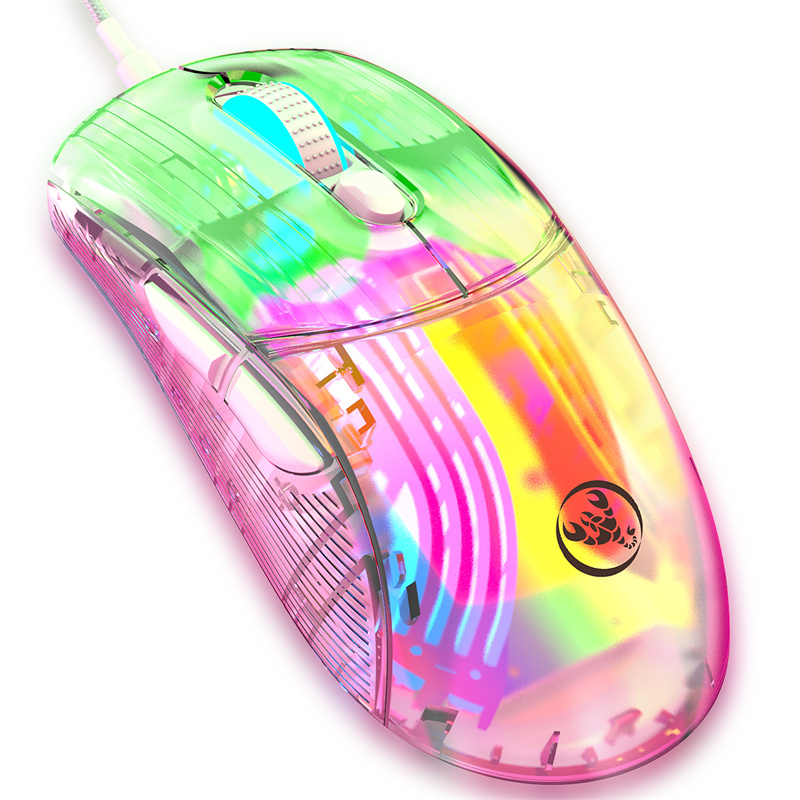
X Neue Ankunft Wired Transparent Spiel Mou RGB Lichteffekt USB-Schnittstelle Geschwindigkeit DPI-Taste Benutzerdefinierte ro Pro P
CHF28.47CHF42.50
Farbe : transparent

Menge :

Bericht
Urheberrechtsverletzungen einschließenKostenlos Standardversand. Siehe Einzelheiten
Geschätzt zwischen Mon, Aug 3 und Thu, Aug 6
Sie können das Produkt innerhalb von 30 Tagen nach Erhalt zurückgeben. Siehe Einzelheiten
Sorgenfrei einkaufen

Geld-Zurück-Garantie
Erhalten Sie den bestellten Artikel oder Ihr Geld zurück. Mehr erfahren
Über diesen Artikel
Quelle: future star
Der Verkäufer übernimmt die volle Verantwortung für dieses Angebot.Artikelnummer: 17519882
Artikelspezifikationen
Artikelbeschreibung vom Verkäufer
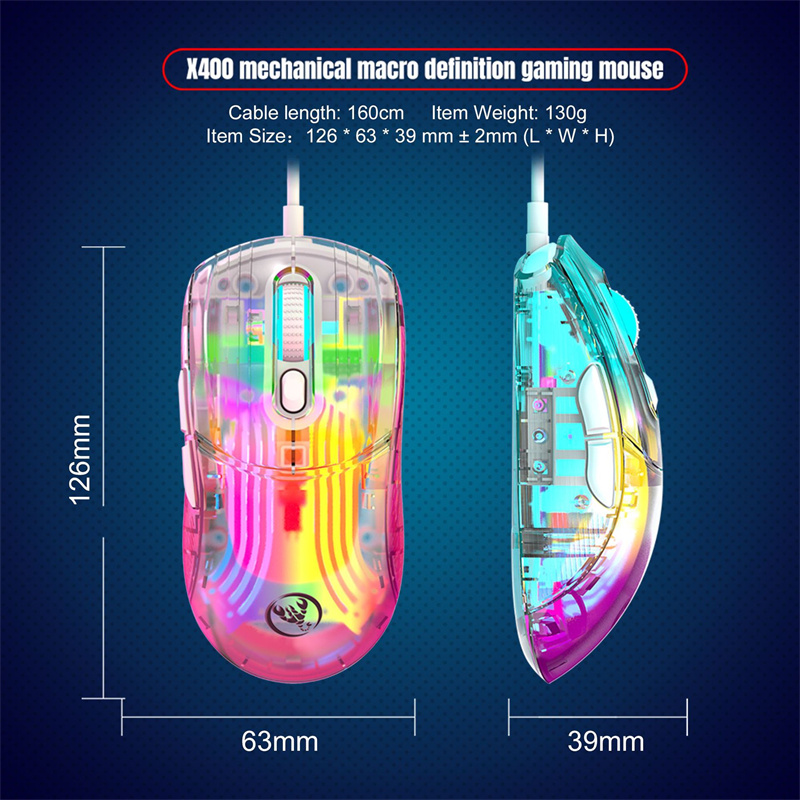
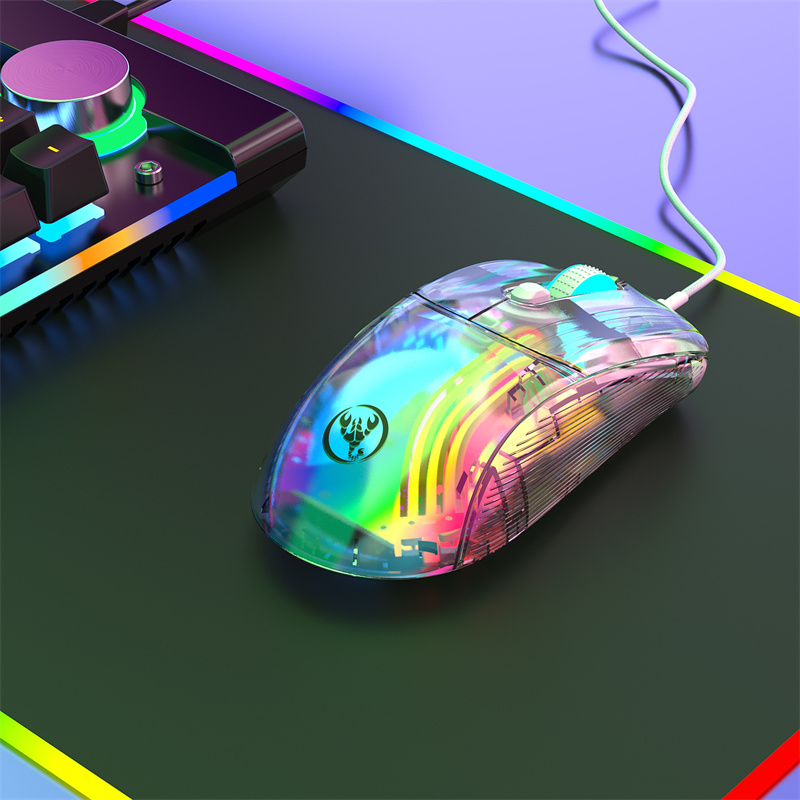
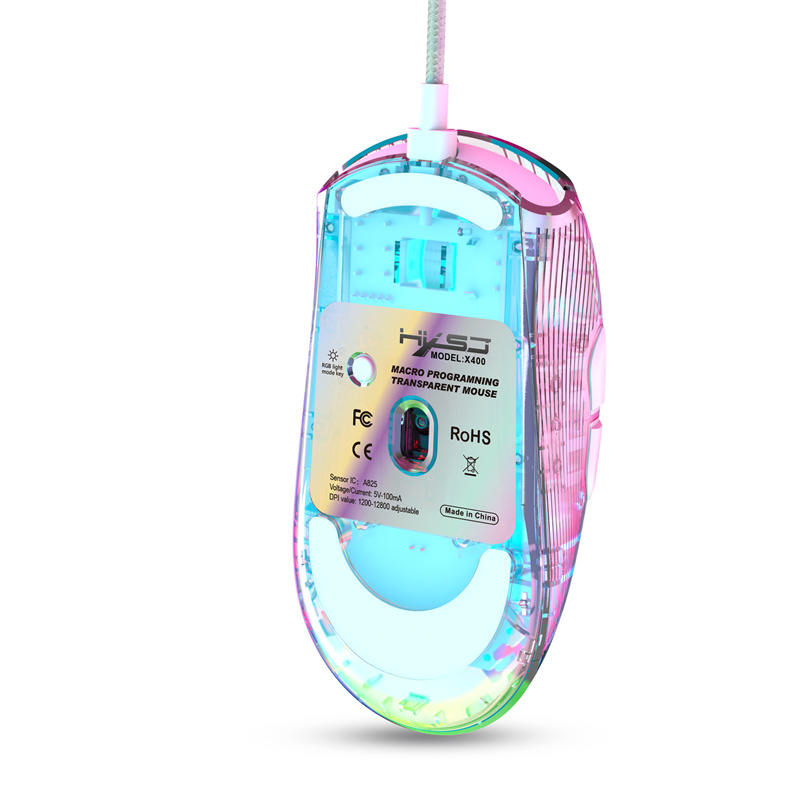
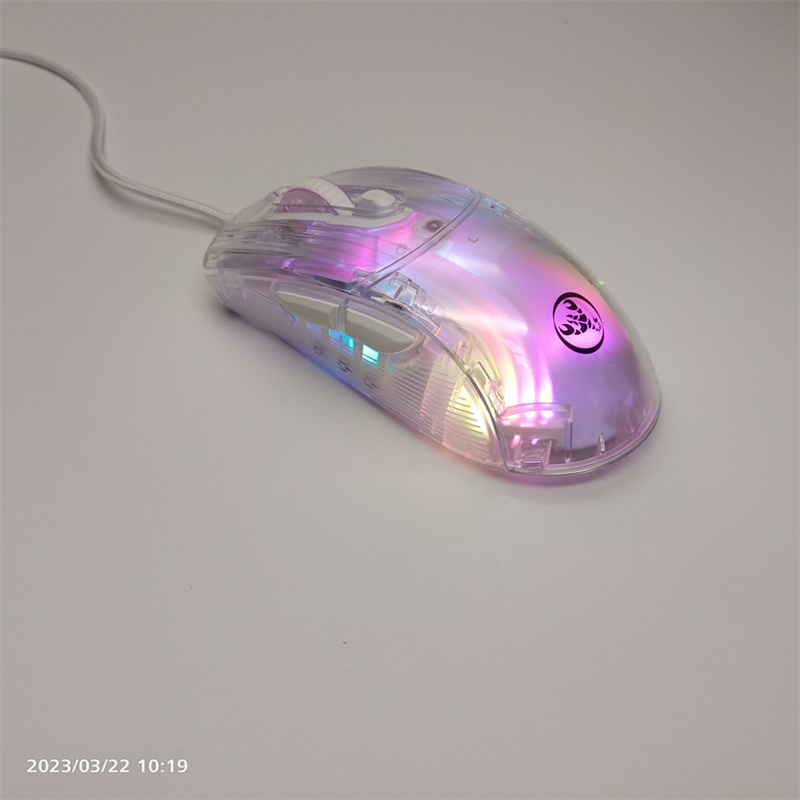
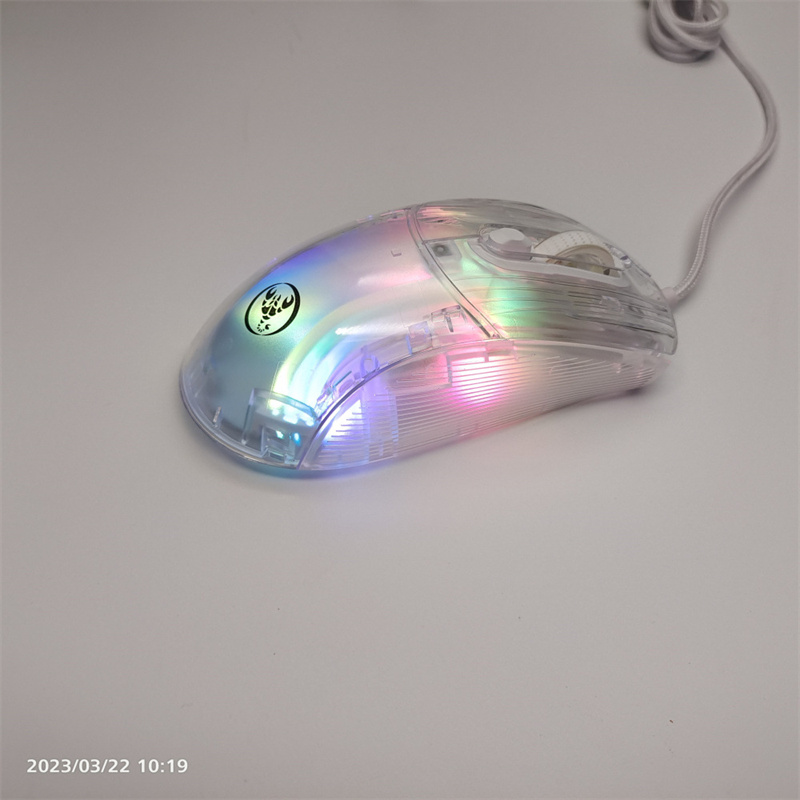
New Arrival X400 Wired Transparent Game Mouse RGB Light Effect USB Interface 6-speed DPI 7-key Custom ro Programming Mouse
X400 ro Programming Download Link:https://drive.google.com/file/d/1hYM3bHfMfzGVcL1ckHF8fqNKXLpp4AqT/view?usp=sharing
SPECIFICATION:
Product model: X400 programmable game mouse.
100% new mouse game.
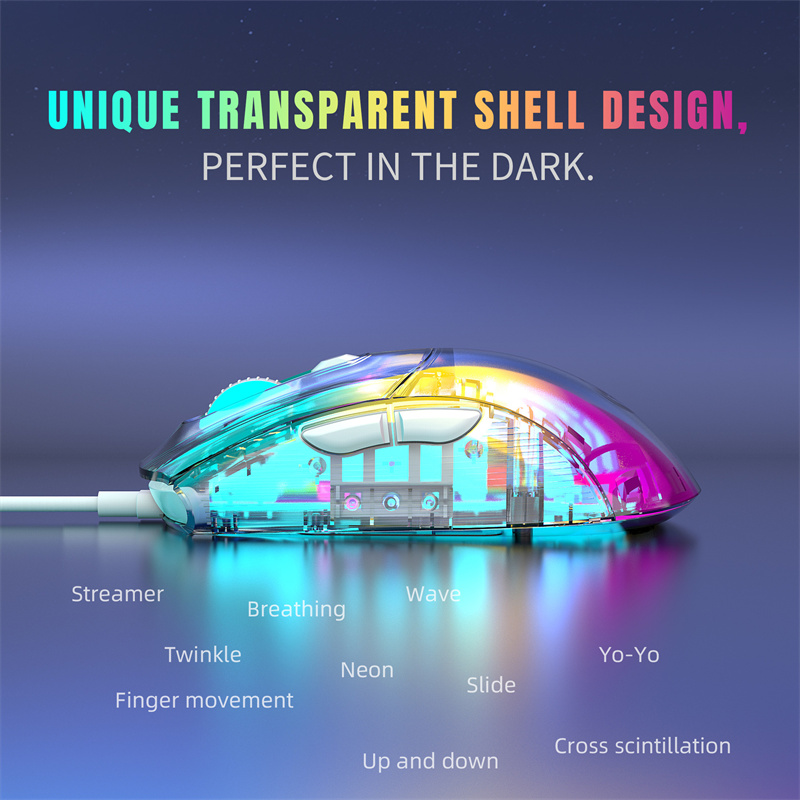
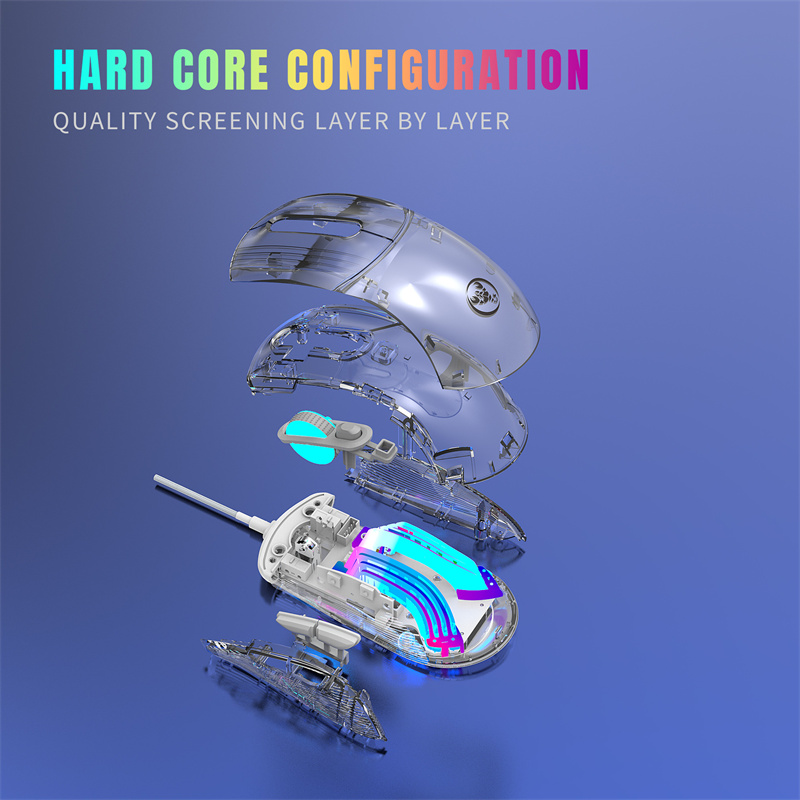
Full crystal transparent shell design.
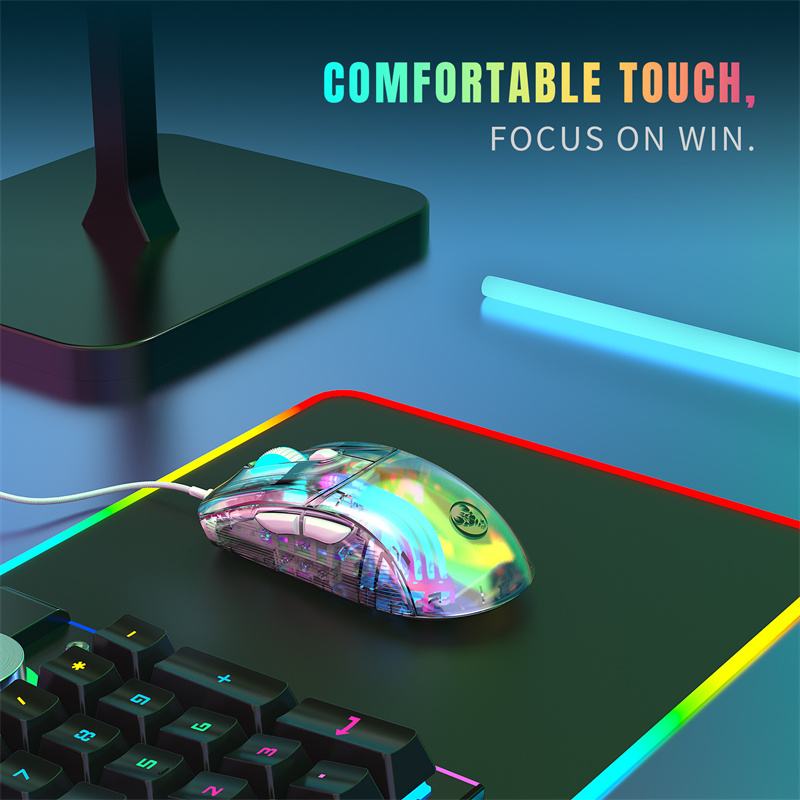
Ergonomic design
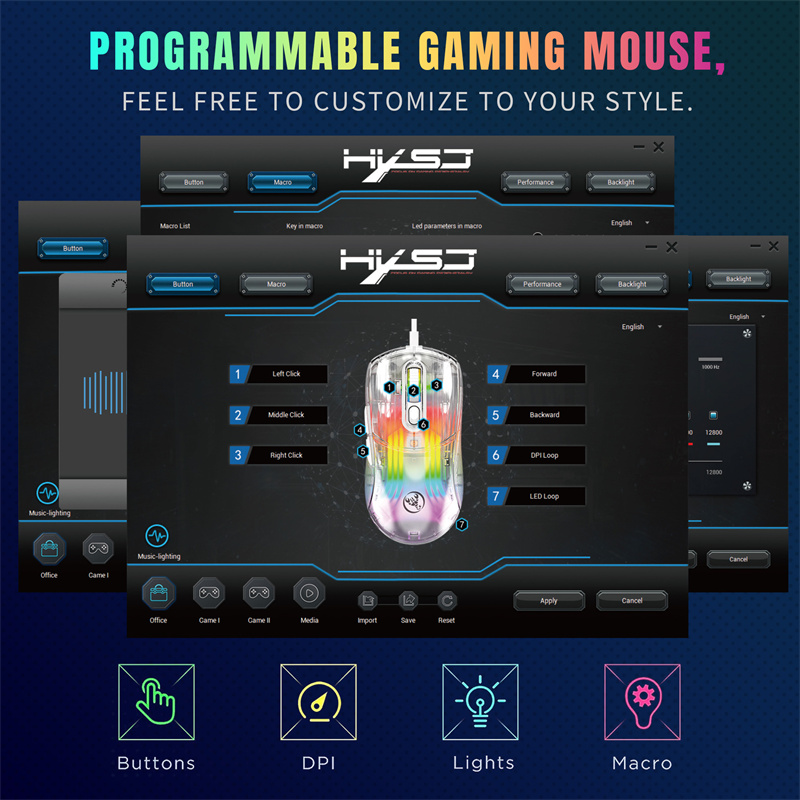
Seven programmable keys
Lighting effects: 13 RGB lighting mode switching.
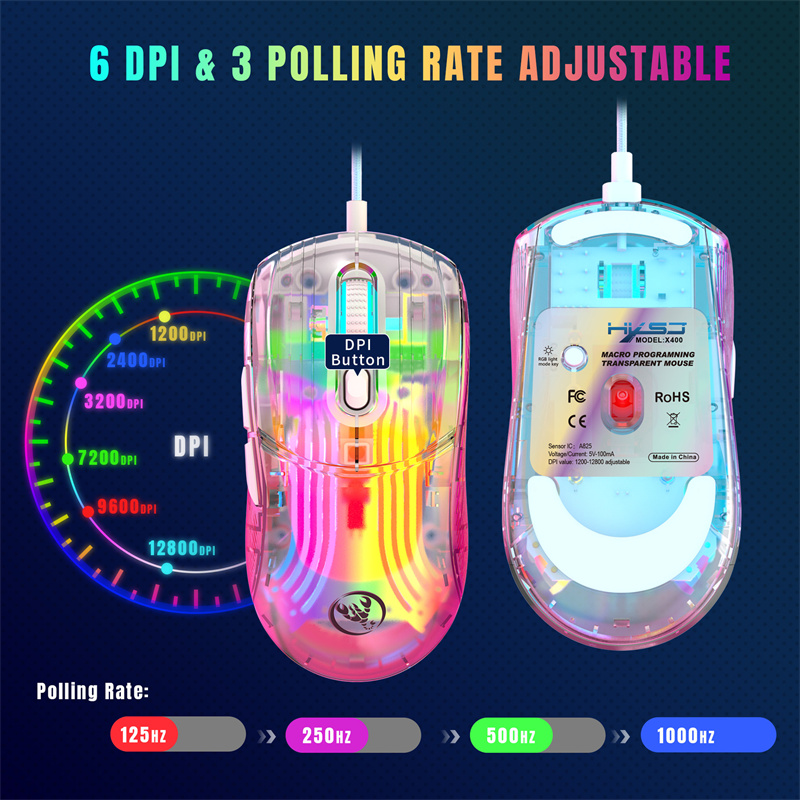
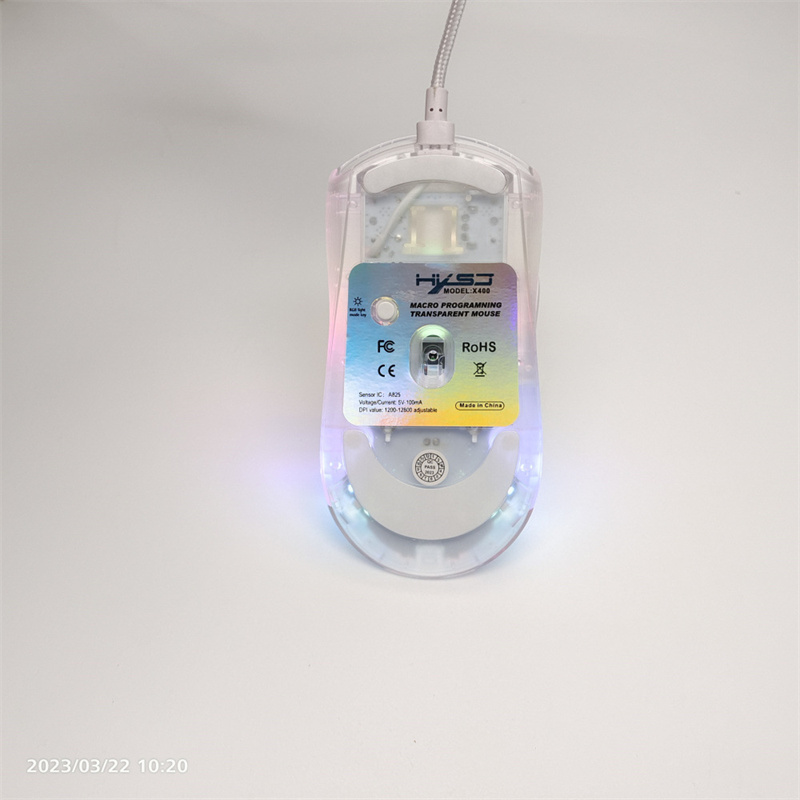
6 levels of adjustable DPI, maximum 12800 DPI
Rated voltage I current: DC 5V/180mA
Rate of return: 125/250/500/1000HZ
Maximum speed: 60inch/s
Rate: 7000FPS
Acceleration: 20G
USB plug and play
Switch life: 20 million times
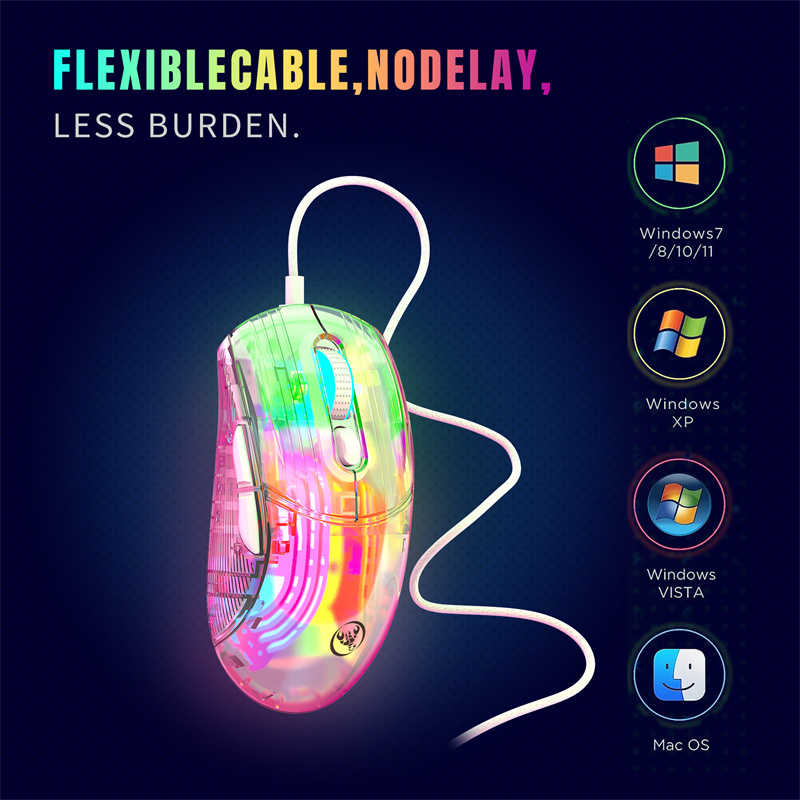
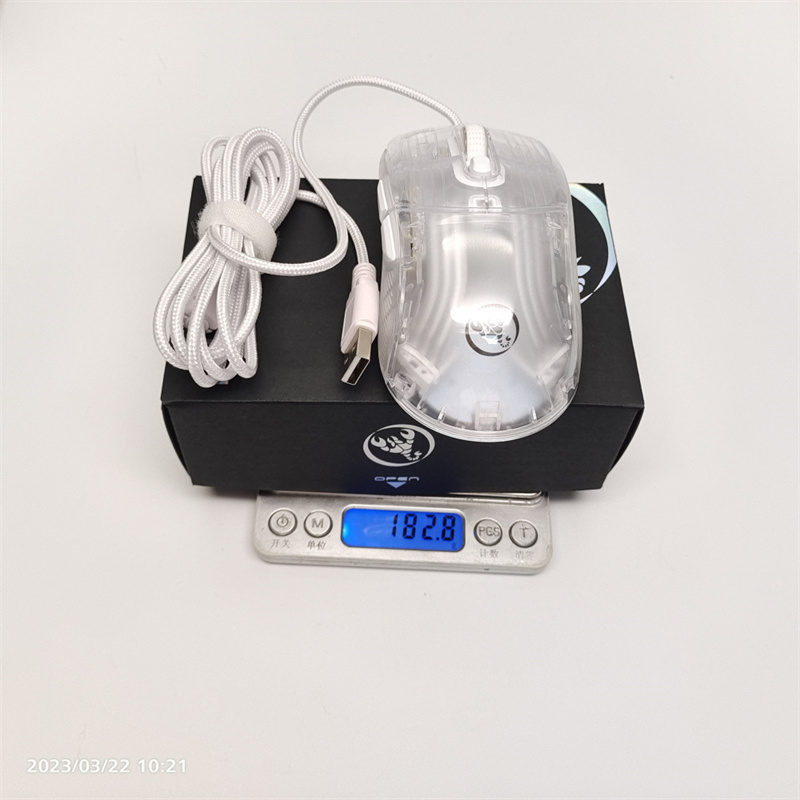
Cable length: 1.6M braided wire + magnetic rin
Mouse size: 127*63*39mm(L*W*H)
Product weight (g): about 119g
Support all levels of Windows system, support IOS system, Linux system;
Drivers and Programmers Support Windows systems only.
Packing List:
1 X Gaming Mouse
1 X User Manual
How to use:
1. Download the ro programming software through the website
provided by the seller.
2. After downloading, directly open and customize the programming
with the buttons.
3. When the mouse is successfully connected and used normally,
directly open the X400 ro programming software to use the ro
programming function.
4. INST A825 IC professional game chip, using high-performance
program-controlled decoder chip, to achieve smooth motion and
precise control.
5. Basic settings: For 1-7 buttons (as shown in the image), the drive supports custom settings.
6. Advanced settings: 1200 Yellow / 2400 Blue / 3200 Purple / 7200 Green / 9600 Red / 12800 Cyan Six-segment DPI value can be any part.
7. Backlight settings: 13 RGB light mode switching.
8. Mouse parameters: You can set the pointer precision, scroll wheel speed, and double-click speed.
9. ro settings: Support custom ro editing of game effects.
10.When the setup is complete, click Applications, and then click Save Configuration. The next time you use the driver, you should start it again so that all the custom features can be used.