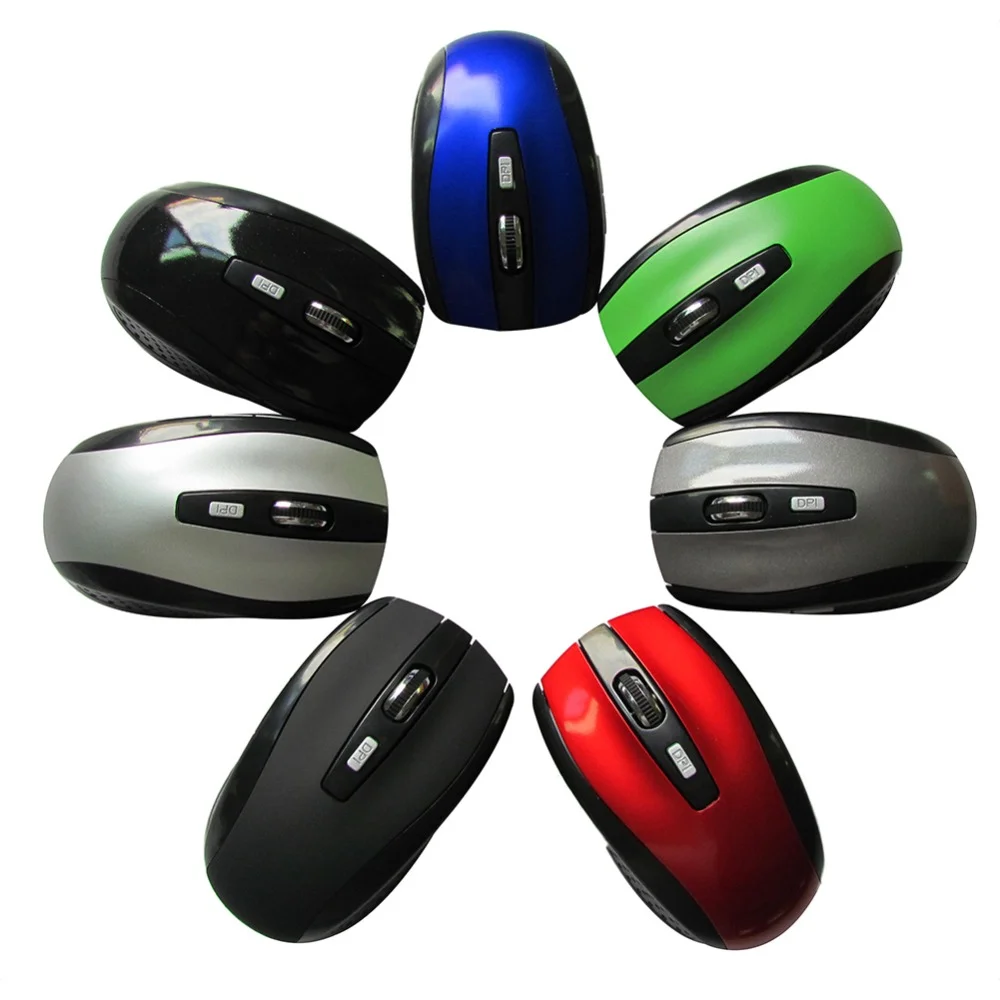


Vollansicht
Ähnliche Gegenstände
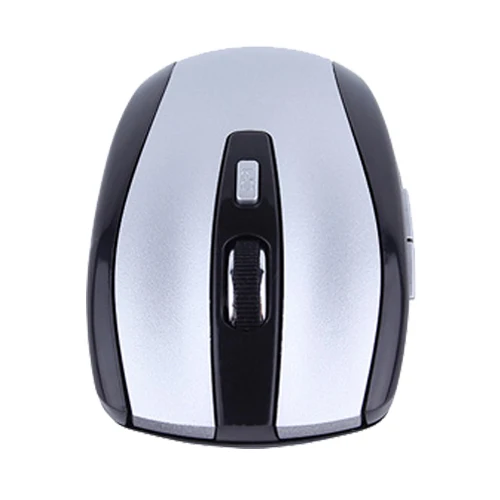
Kabellose optische Gaming-Maus (2,4 GHz) mit USB-Nano-Dongle für PC und Laptop
CHF18.52CHF26.31
Farbe : Grün
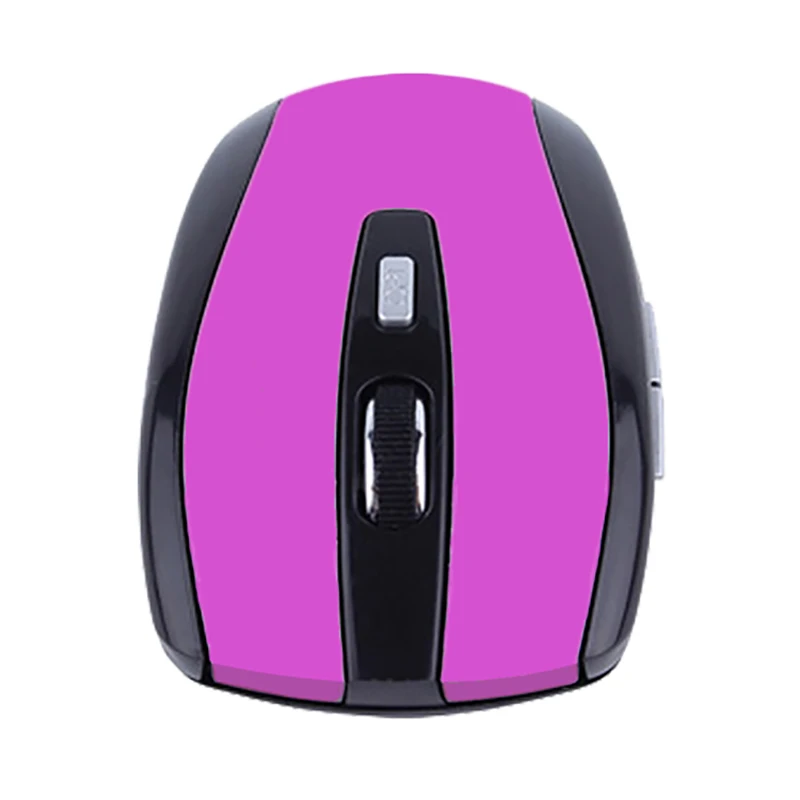
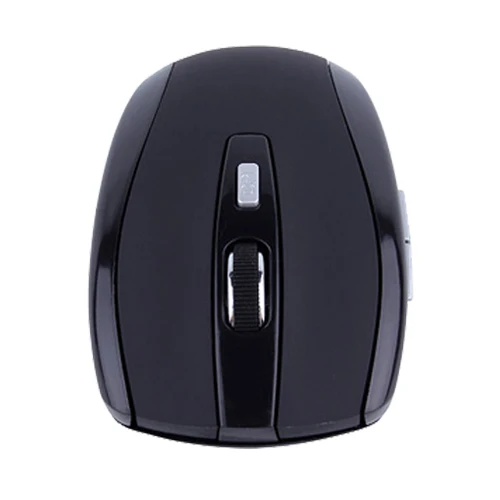
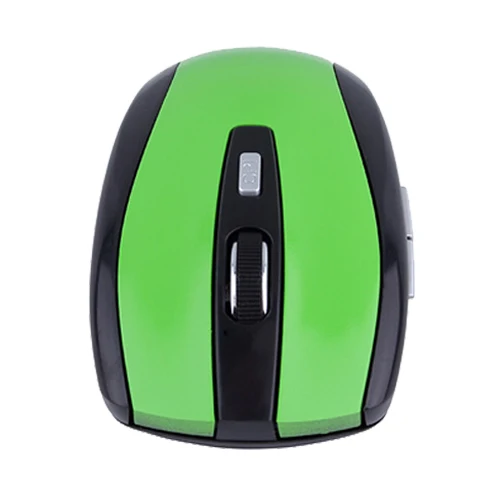
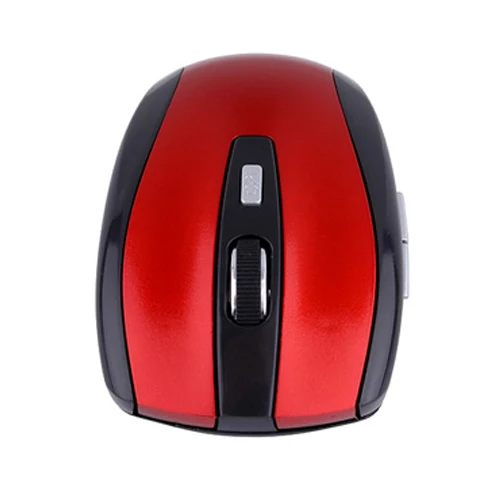
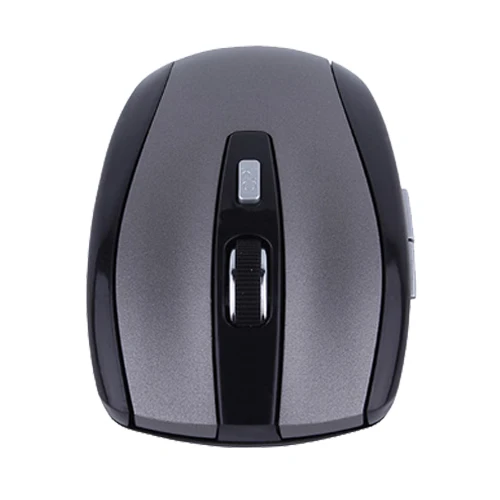
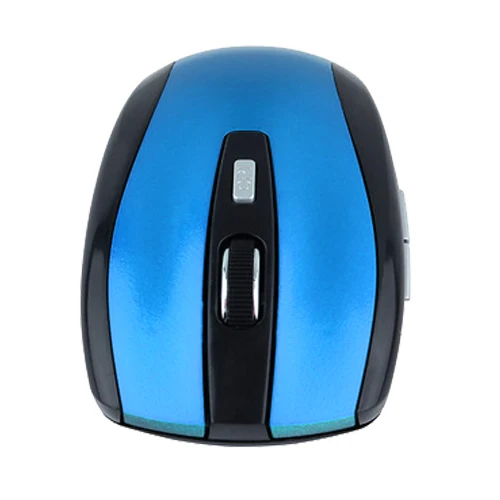
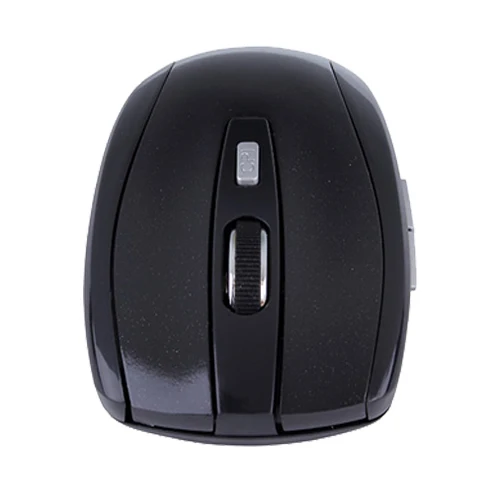
Menge :

Bericht
Urheberrechtsverletzungen einschließenKostenlos Standardversand. Siehe Einzelheiten
Geschätzt zwischen Thu, Jul 16 und Sun, Jul 19
Sie können das Produkt innerhalb von 30 Tagen nach Erhalt zurückgeben. Siehe Einzelheiten
Sorgenfrei einkaufen

Geld-Zurück-Garantie
Erhalten Sie den bestellten Artikel oder Ihr Geld zurück. Mehr erfahren
Über diesen Artikel
Quelle: TechNex
Der Verkäufer übernimmt die volle Verantwortung für dieses Angebot.Artikelnummer: 39287782
Artikelspezifikationen
Größe
In voller Größe
Schlüsselart
Mechanische Schalter
Schaltertyp
Linear, taktil, klickend
Kompatibilität
Windows, macOS, Linux
Verbundene Geräte
1
Beleuchtete Tasten
JA
Konnektivität
Bluetooth, Logi Bolt USB
USB-Typ
USB-A
Logi-Optionen
Ja
Artikelbeschreibung vom Verkäufer
Wireless Mouse Optical Gaming Mouse Portable 2.4GHz Mouse with USB Nano Dongle Office Gamer Computer Desktop Mice for PC Laptop
Due to the display effect of the monitor, shooting environment and other factors, the product may have a slight color difference.
Specification:
1. RF: 2402MHz-2480MHz
2. RF operation channel: 16, automatic frequency hopping
3. Rated voltage: 1.5V
4. Rated current: 12-20mA
5.Max.Acceleration: 14ft/Sec
6. USB: version 1.1/2.0
System requirements
1. Use with Windows 2000/XP/Vista/Linux/Win 7/MAC operating system
2.One USB available port.
Product feature:
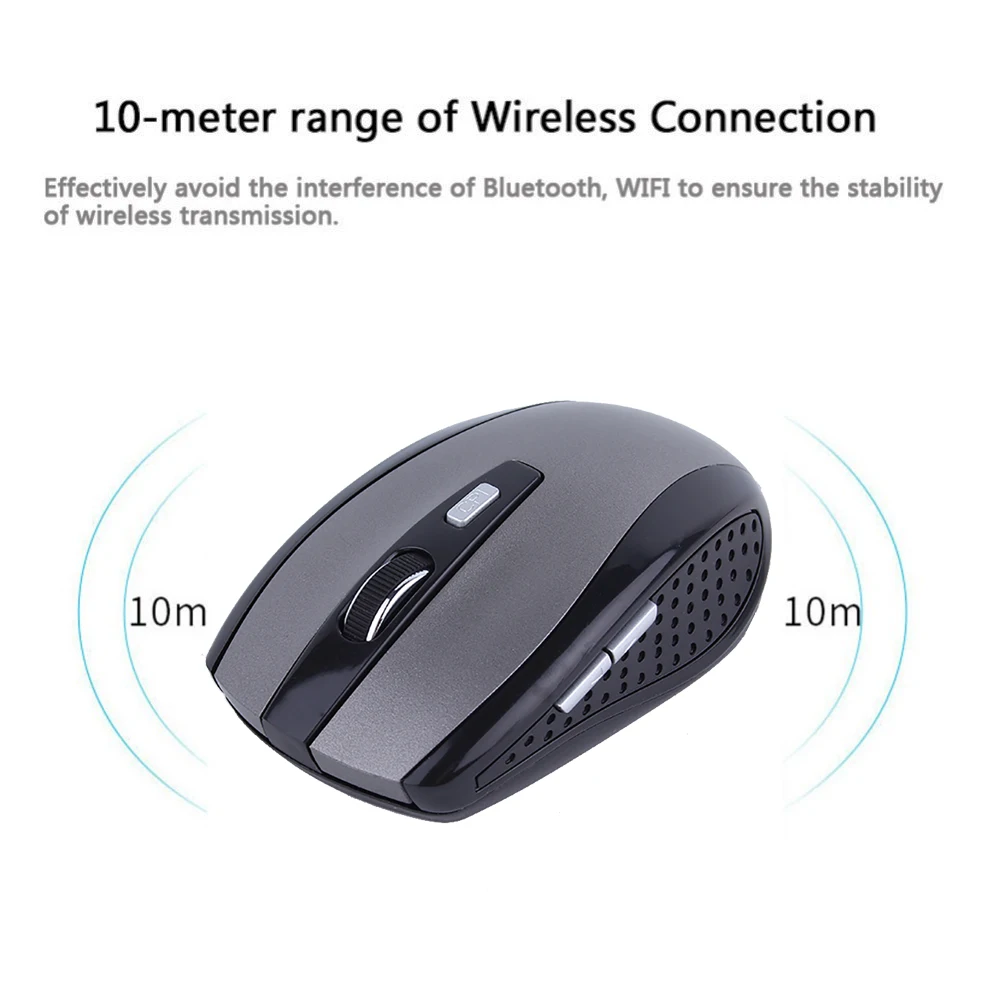
1.2.4GHz digital wireless transmission, operation distance is up to 10 meters.
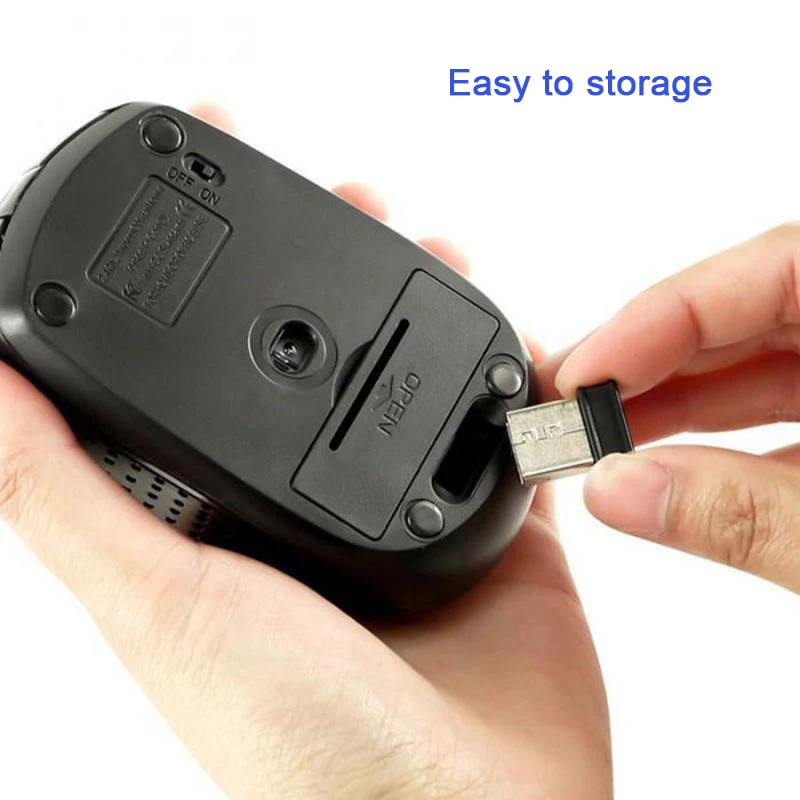
2. Built-in mouse memory, no reprogramming is needed after battery replacement.
3. Intelligent power-saving technology, the service life of one alkaline battery is up to six months.
4. Intelligent connectivity, no need to code, plug-and-play.
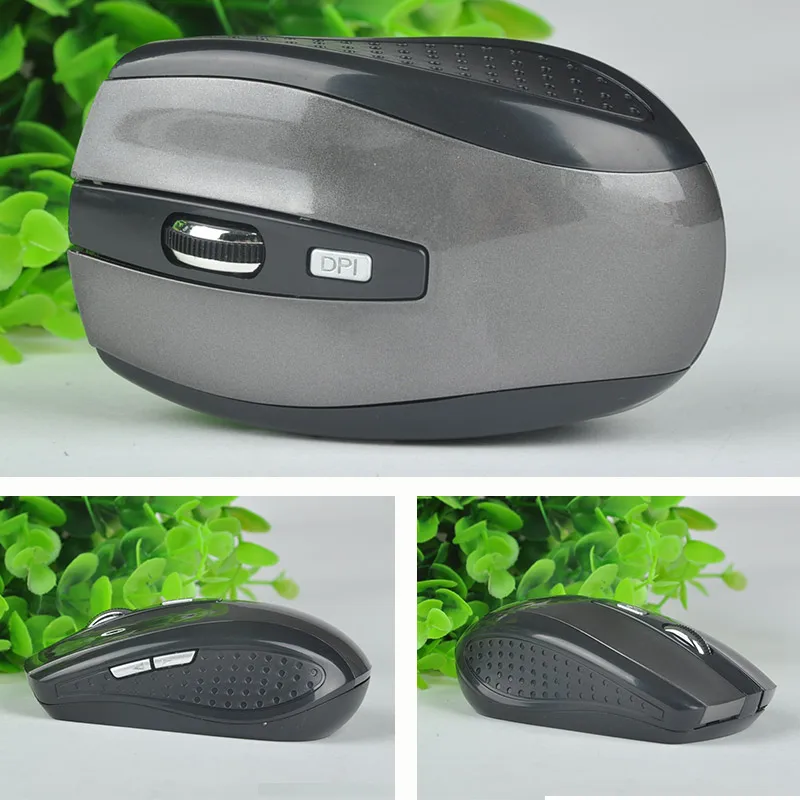
Ergonomically designed, comfortable grip.
6. Dormant class control and more power-saving hibernation connectionless.
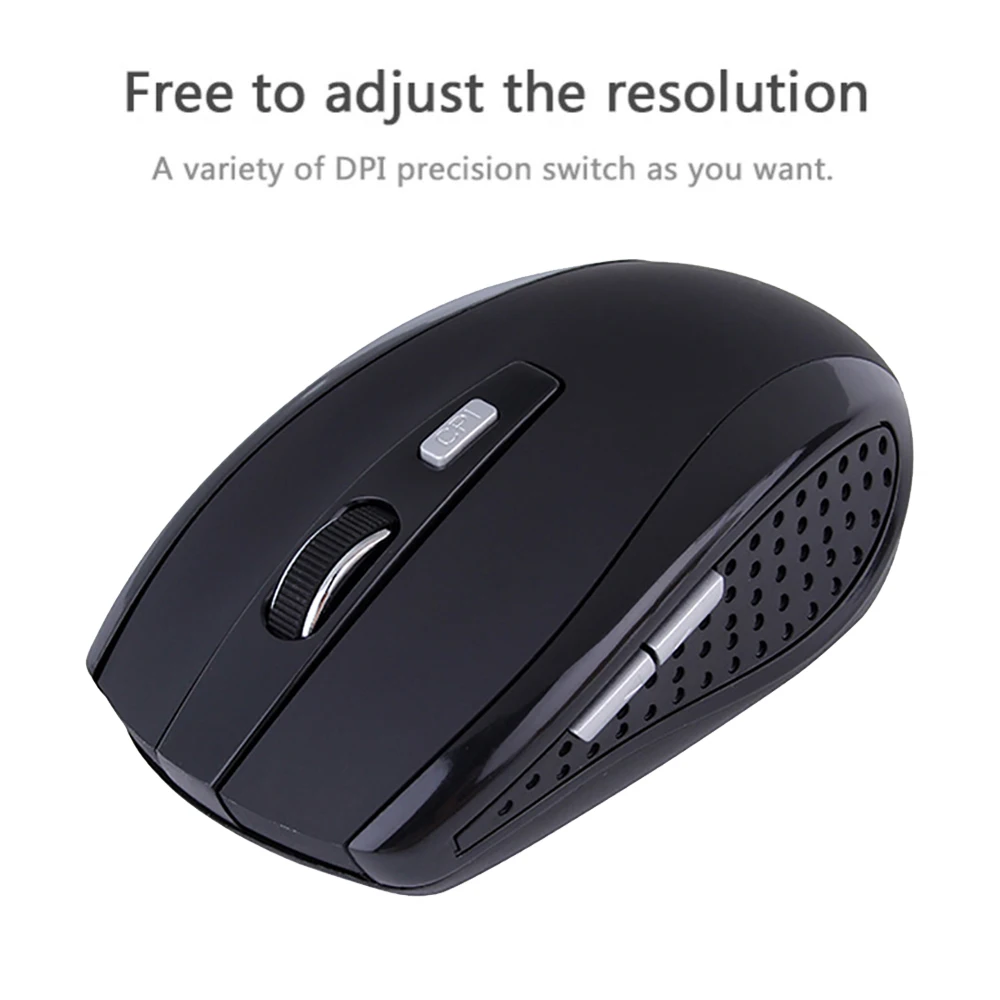
7.800dpi/12
00dpi cursor speed adjustable.
8. Shortcut buttons can be used to browse the Internet or applications, easily performing "forward" and "backward" functions on the toolbar.
9. Power switch, in case of not using the device, turn off the power completely.
Cautions:
Operation distance is closely related to the environment.
2. Battery life may vary depending on personal habits of mouse usage.
3. In case of mouse failure, please check the battery power and replace it if necessary.
4. The mouse will automatically turn off and enter sleep mode to save power when not used for a long time. To wake it up, press the right or left button.
5. Never waste the battery or dispose of it in fire. Put the battery into a battery recycling bin.


Videos
Videos zu diesem Produkt